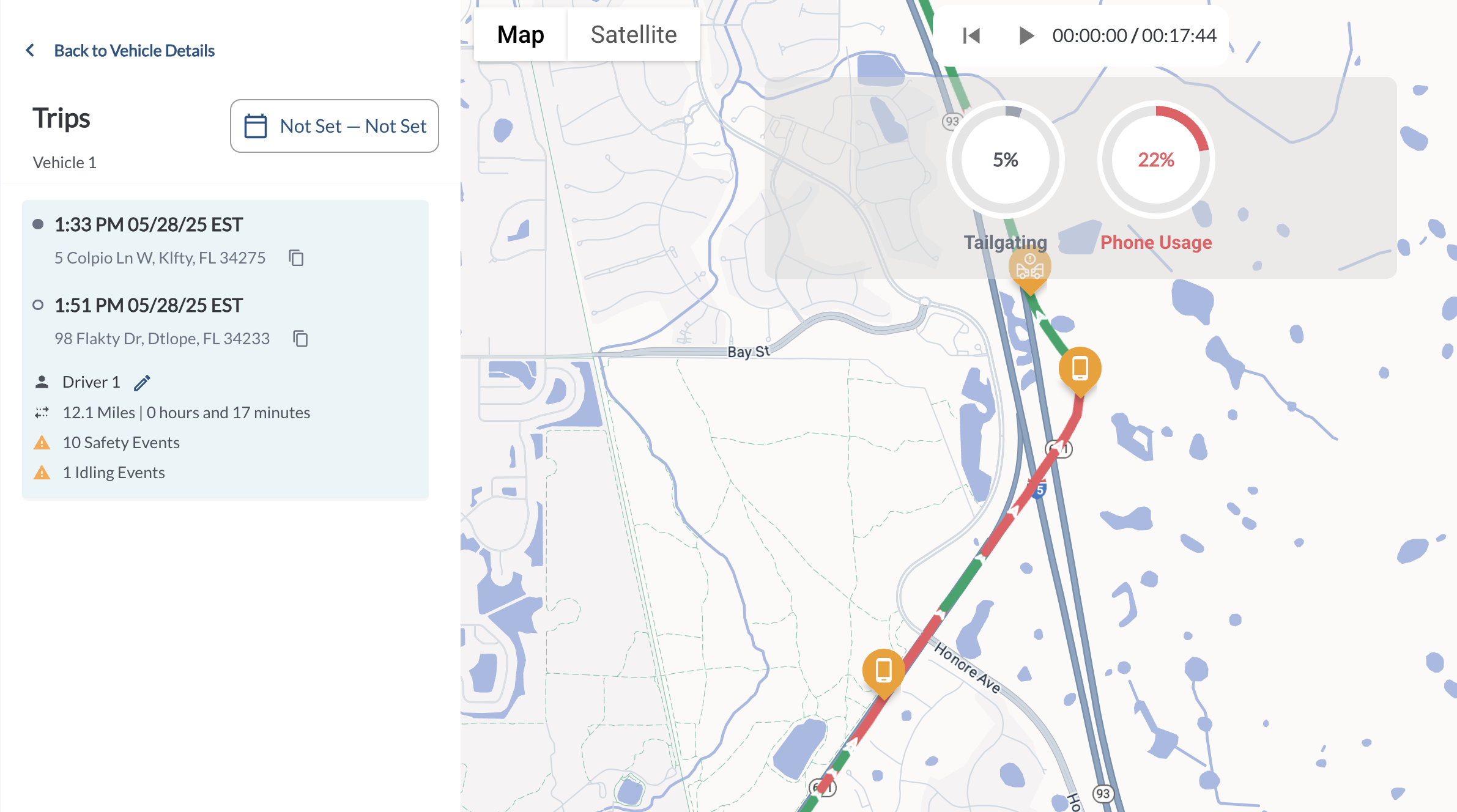
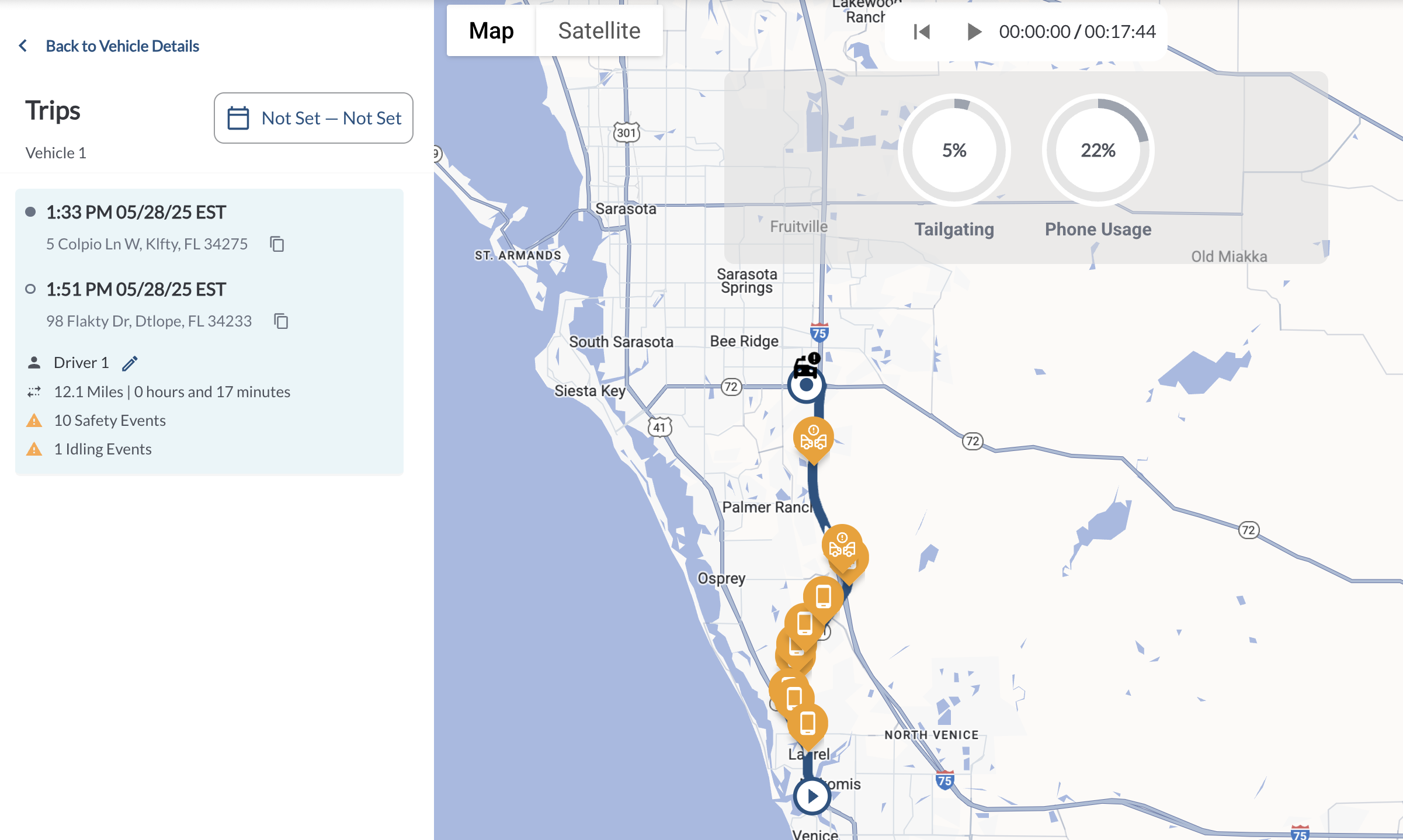
The Trip View allows fleet managers to visually analyze risky driving behaviors detected during a trip. Using AI-based detection, behavior filters help highlight when and where specific unsafe actions occurred on the map, making it easier to spot patterns and coach drivers. Each supported behavior is evaluated at 5-second intervals along the trip route. The system calculates the percentage of the trip during which each behavior occurred and displays it through interactive filter buttons and visual overlays on the map.
Supported Behaviors
Behavior filtering supports three risky driving behaviors: Tailgating, Phone Usage, and Distracted Driver. These behaviors are automatically detected by the system and can be used to filter the trip view, helping highlight unsafe moments along the route for easier review and analysis.
Behavior Filter Buttons
At the top of the Trip View map, a set of circular buttons represents each supported behavior. Each button displays the behavior name and the percentage of the trip during which the behavior occurred.
Selecting a button activates the map overlay for that behavior. Multiple buttons can be selected at once to highlight overlapping behavior zones on the route. Selecting a behavior highlights the trip segments where it was detected:
Note
When multiple behaviors are selected, all corresponding behavior zones are
highlighted in red.
Hovering over any point on the route displays a tooltip showing the number of behaviors detected at that GPS point and the specific types of behaviors identified.