Use the Driver App’s Self Coaching feature to review and learn from safety events assigned to you. This helps improve your driving habits and supports safer fleet operations.
How to Complete Self Coaching
-
Tap Self Coaching on the home page.
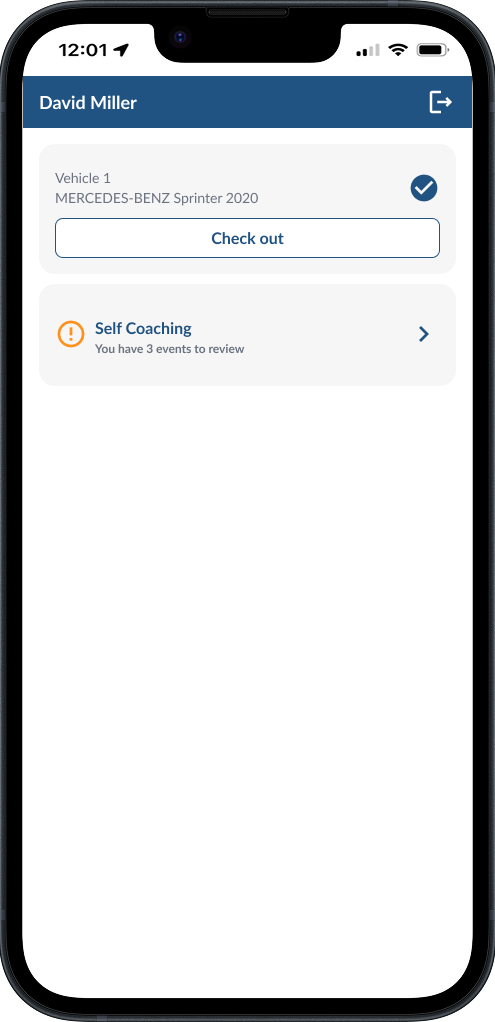
-
On the summary page, you’ll see your pending events grouped by type (for example, Tailgating or Cell Phone Use).
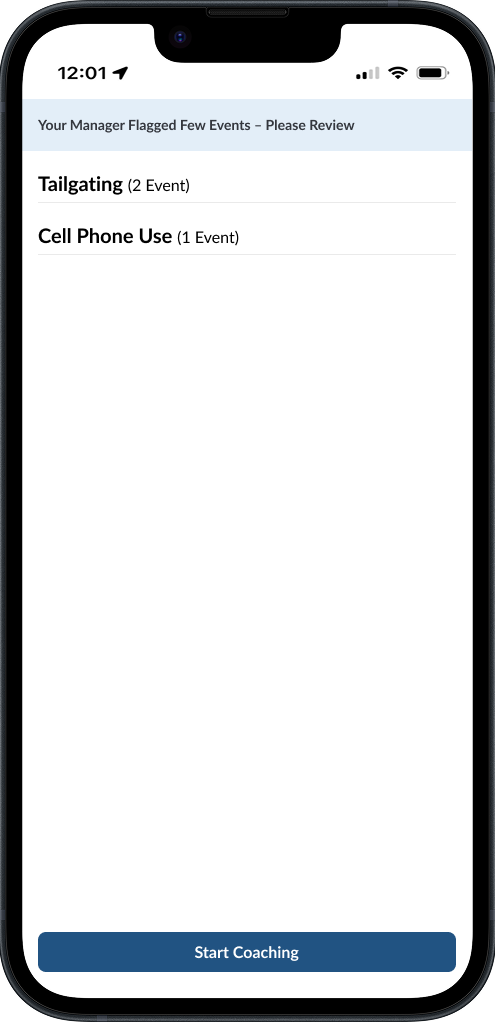
- Tap Start Coaching.
-
For each event:
- Watch the video.
- Read the coaching tip.
- Check notes from your fleet manager or add your own comment.
- Tap Coached to move on.
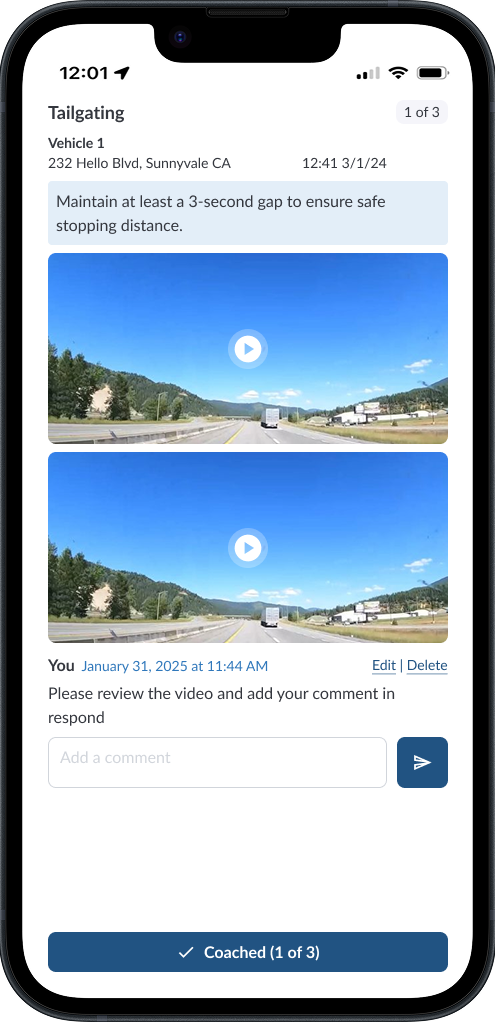
- Continue until all events are reviewed.
-
When finished, you’ll see a confirmation screen, tap Done to return to the home page.
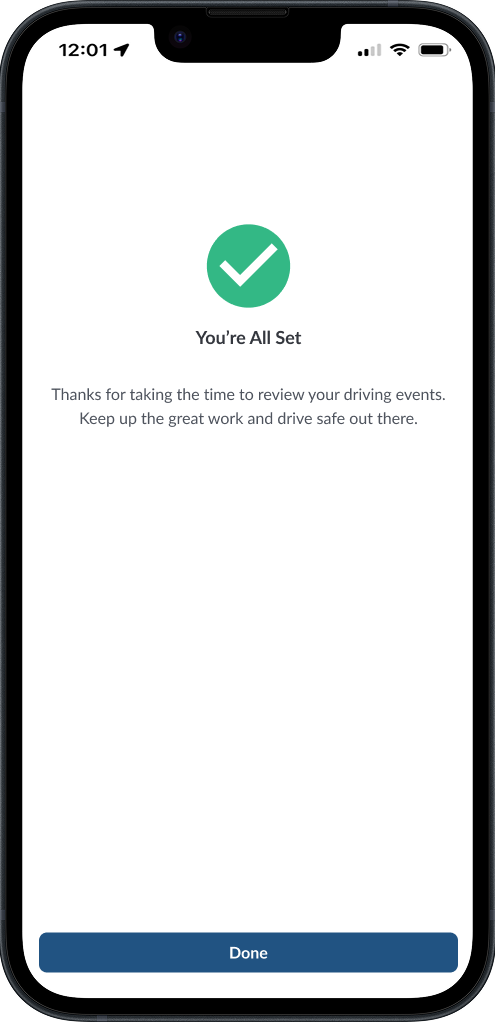
-
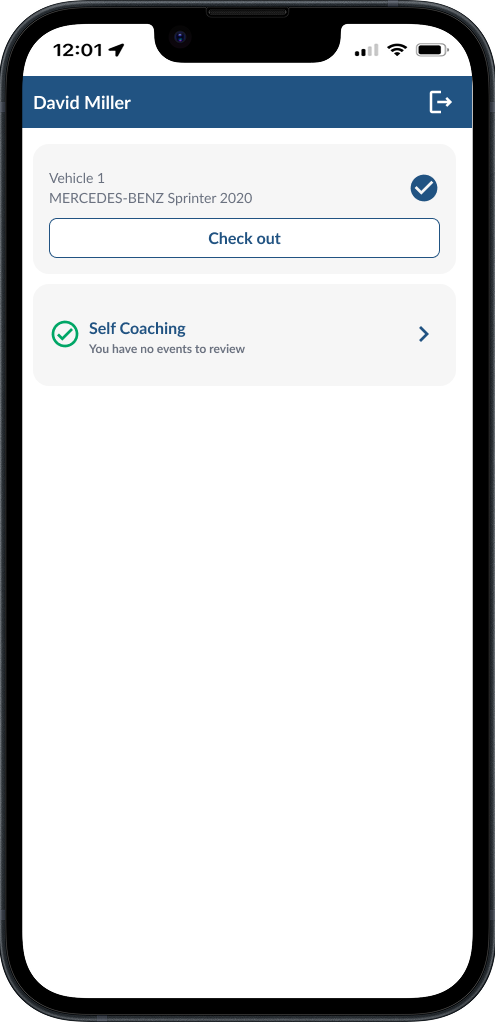
On the home page, there are no events to review
Note
After completing all assigned events, the Self Coaching button will no
longer be active until new events are added.