Logging in is the first step to accessing the fleet system. Once logged in, you can manage and oversee your fleet operations, monitor key performance metrics, and adjust system settings to tailor the platform to your needs.
- Open your web browser and navigate to the login page
- Enter your username and password in the respective fields
- Read and agree to the Privacy Policy and License Agreement.
- Click the Login button to access the system.
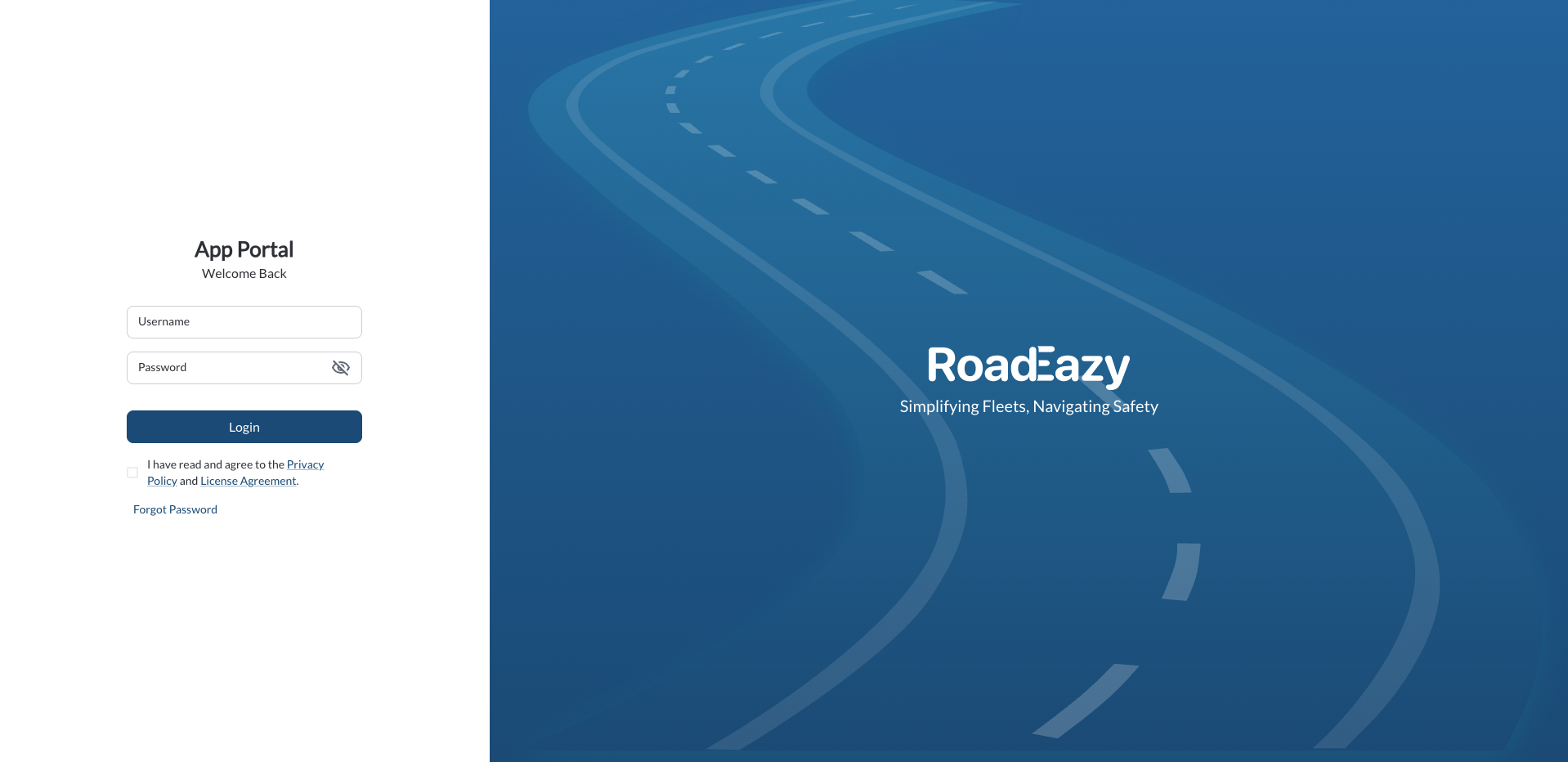
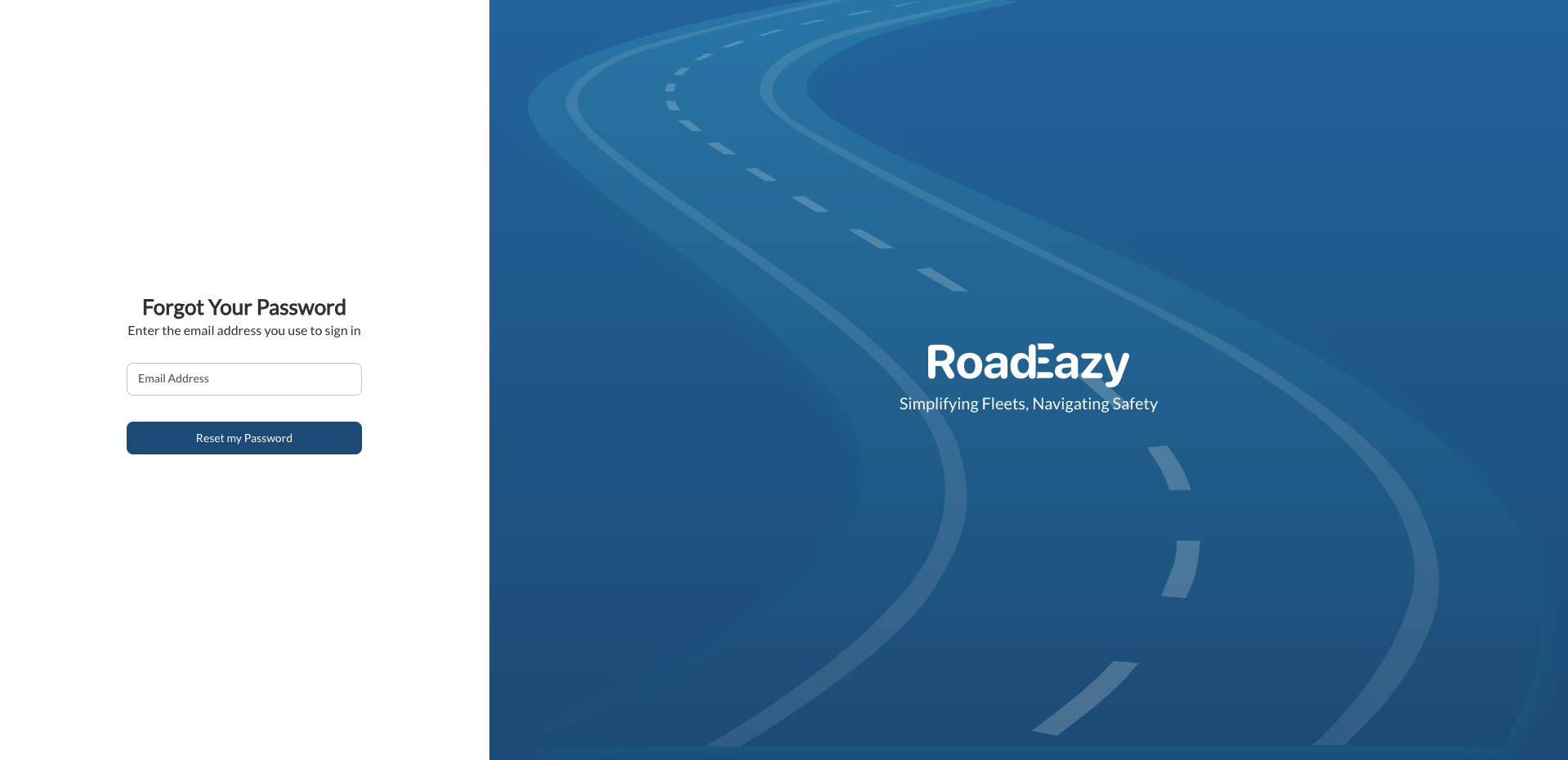
If you forget your password, click the "Forgot Password" link. Follow the instructions sent to your email to reset it quickly.

Tip
Bookmark the Roadeazy URL in your browser for quicker access.