Adding a new asset to your fleet is a straightforward process that gets your asset and its associated device properly configured for tracking and management.
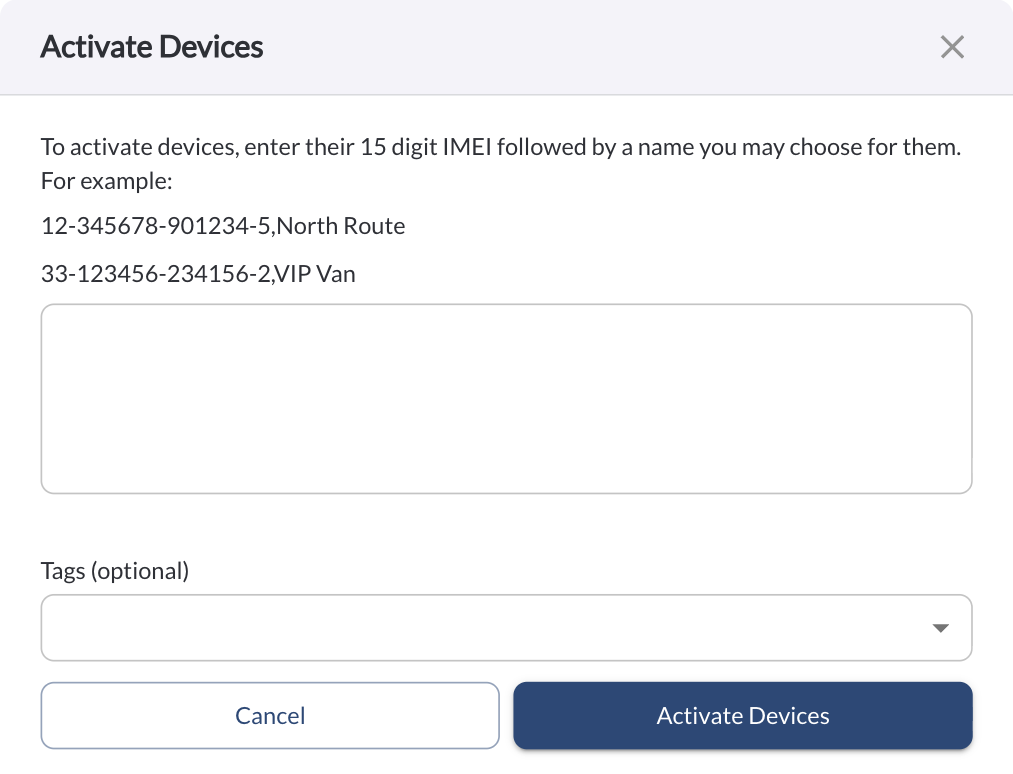
- Click the Add Assets button to open a dialog box for adding devices for your new assets.

To add an asset, enter its 15-digit IMEI number and assign a name of your choice.
For multiple entries, you can enter several 15-digit IMEI numbers, each followed by a corresponding name.
For Example:
123456789012345, My Asset Name
098765432154321, My Second Asset Name
Select a tag from the Tags dropdown to apply it to all devices added in this session (optional).