The Safety Dashboard offers a comprehensive overview of fleet safety performance, providing valuable insights into driver and vehicle behavior. This guide outlines the dashboard's available options and widgets, helping you navigate and analyze the data effectively.
Widgets Overview
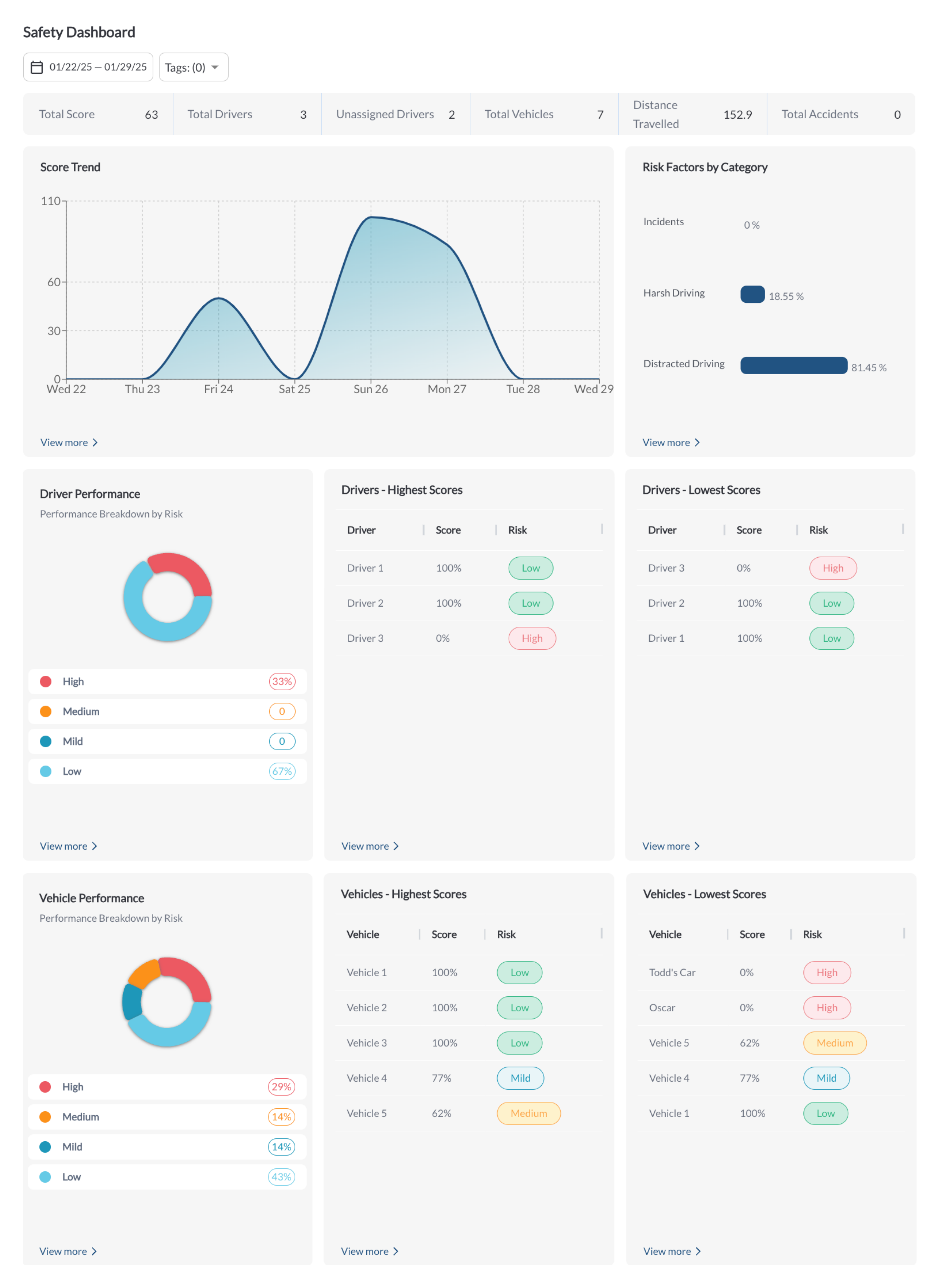
1. Key Metrics (Boxes)
The section provides aggregated metrics for the selected date range:
-
Total Fleet Score: The overall safety score for the fleet. For details on score calculation, refer to the article Understanding Safety Scores.
-
Total Drivers: The total count of drivers in the fleet.
-
Unassigned Drivers: The number of drivers not assigned to specific vehicles.
-
Total Vehicles: The total count of vehicles in the fleet.
-
Distance Traveled: The combined distance covered by all fleet vehicles.
-
Total Accidents: The number of accidents recorded during the selected time period.
2. Score Trend
A line chart that illustrates fluctuations in the fleet's safety score over the selected time range, allowing you to track trends and monitor performance improvements or declines. For details on score calculation, refer to the article Understanding Safety Scores
3. Risk Factors by Category
A bar chart showing the percentage distribution of safety events across three categories:
-
Incidents: Accidents or Near Accidents events.
-
Harsh Driving: Harsh behaviors like Harsh braking, Harsh Acceleration, Harsh Turning.
-
Distracted Driving: Inattentiveness, such as phone use while driving.
This widget highlights key risk areas, helping you prioritize improvements in safety practices.
4. Driver Performance
A detailed breakdown of driver performance categorized into four risk levels: High, Medium, Mild, and Low. This section highlights drivers with varying safety concerns, enabling you to identify high-risk drivers for immediate action, monitor moderate risks, address minor issues, and recognize consistently safe drivers.
5. Vehicle Performance
A detailed breakdown of vehicle performance categorized into four risk levels: High, Medium, Mild, and Low. This section highlights vehicles with varying safety concerns, enabling you to identify high-risk vehicles requiring immediate attention, monitor those with moderate risks, address minor issues, and recognize vehicles with consistently low-risk performance.
6. Drivers with the Highest Scores
This section highlights the top five drivers demonstrating the safest behavior, ranked by their high safety scores. It provides a clear view of exemplary performance, helping to recognize and reward safe driving practices.
7. Drivers with the Lowest Scores
This section displays the bottom five drivers with the lowest safety scores, indicating higher safety risks. It helps identify drivers who may require additional coaching or corrective actions to improve their performance.
8. Vehicles with the Highest Scores
This section lists the top five vehicles with the best safety scores, highlighting safe operation and minimal incidents. It provides a clear view of vehicles performing at an optimal safety level.
9. Vehicles with the Lowest Scores
This section shows the bottom five vehicles with the lowest safety scores, indicating higher safety risks. It highlights vehicles that may require maintenance reviews or reassessment of driver assignments to address potential issues.
Additional Dashboard Actions
Filter Data
-
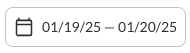
Use the Date Picker to select a different date range. The default date range is Today. For more details on using the Date Picker, refer to the article How to Use the Date Picker.
-
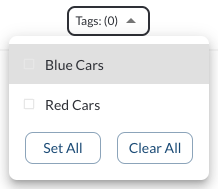
Use the Tag Filter to narrow down the table to display only trips associated with specific tags.