Use this to log a completed maintenance task and update its associated schedule.
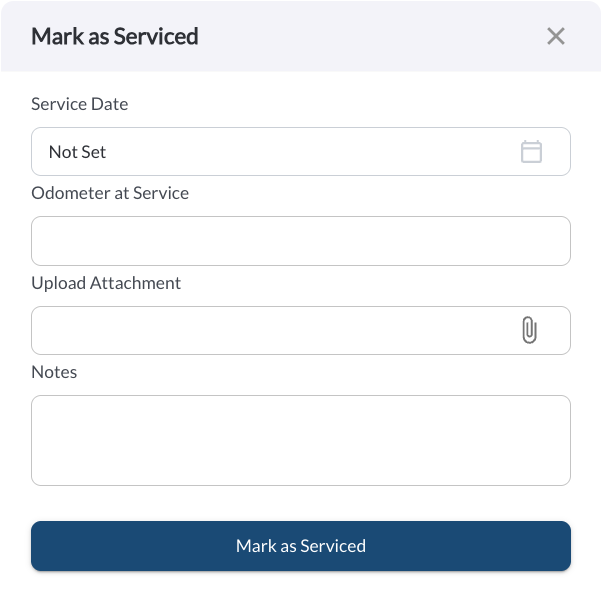
Steps:
- In the Upcoming tab, click the (⋯) menu next to the service entry.
- Select Mark as Serviced.
- Enter the date the service was completed.
- Enter the mileage at which the service was completed.
- Optionally, add notes for context and upload images as proof of service (e.g., receipts, service records, or inspection photos).
- Click Save.
Note
You'll only need to enter values for the intervals used in the schedule (mileage, time, or engine hours). This data is saved in the History tab and used to calculate the next due service.