To record and access video from auxiliary USB cameras connected to the LytxOne Gateway (LX1-G), you must first configure each vehicle in the Fleet Portal. This setup lets the system know how many cameras are installed, so it can support video capture, live streaming, and event association.
- Log in to Fleet Portal. Use your admin credentials.
- Find the Asset
- Go to the Assets page, or
- Click an asset from the Map and select Edit Asset
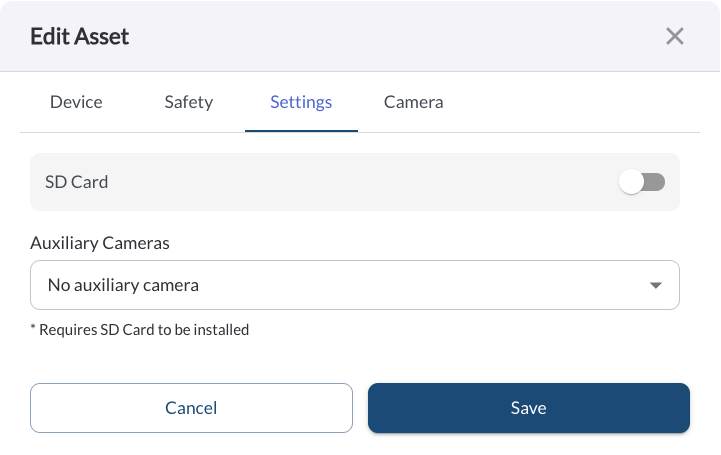
- Open the Settings Tab
- Set the Number of Auxiliary Cameras
-
Confirm SD Card Settings
- Ensure an SD card is inserted into the LytxOne Gateway (LX1-G) or the LytxOne Hub (LX1-H)
- Verify the SD Card toggle is enabled in the asset settings
- Save Changes
Warning
An SD card must be inserted in the LytxOne Gateway (LX1-G) or the LytxOne Hub (LX1-H) to
enable video recording
from auxiliary cameras; to learn more, see
Using an SD Card with the LytxOne Gateway.