The Safety Settings tab allows fleet managers to control how safety-related events are handled across their fleet. This is where you configure default behavior for audible alerts, event triggers, media capture, and sensitivity. These settings apply at the fleet level, ensuring a consistent safety policy across all vehicles.
You can also override these settings per vehicle directly from the Vehicles page or the Map page, allowing for more granular control when needed — for example, if certain vehicles require stricter thresholds or customized alert behavior.
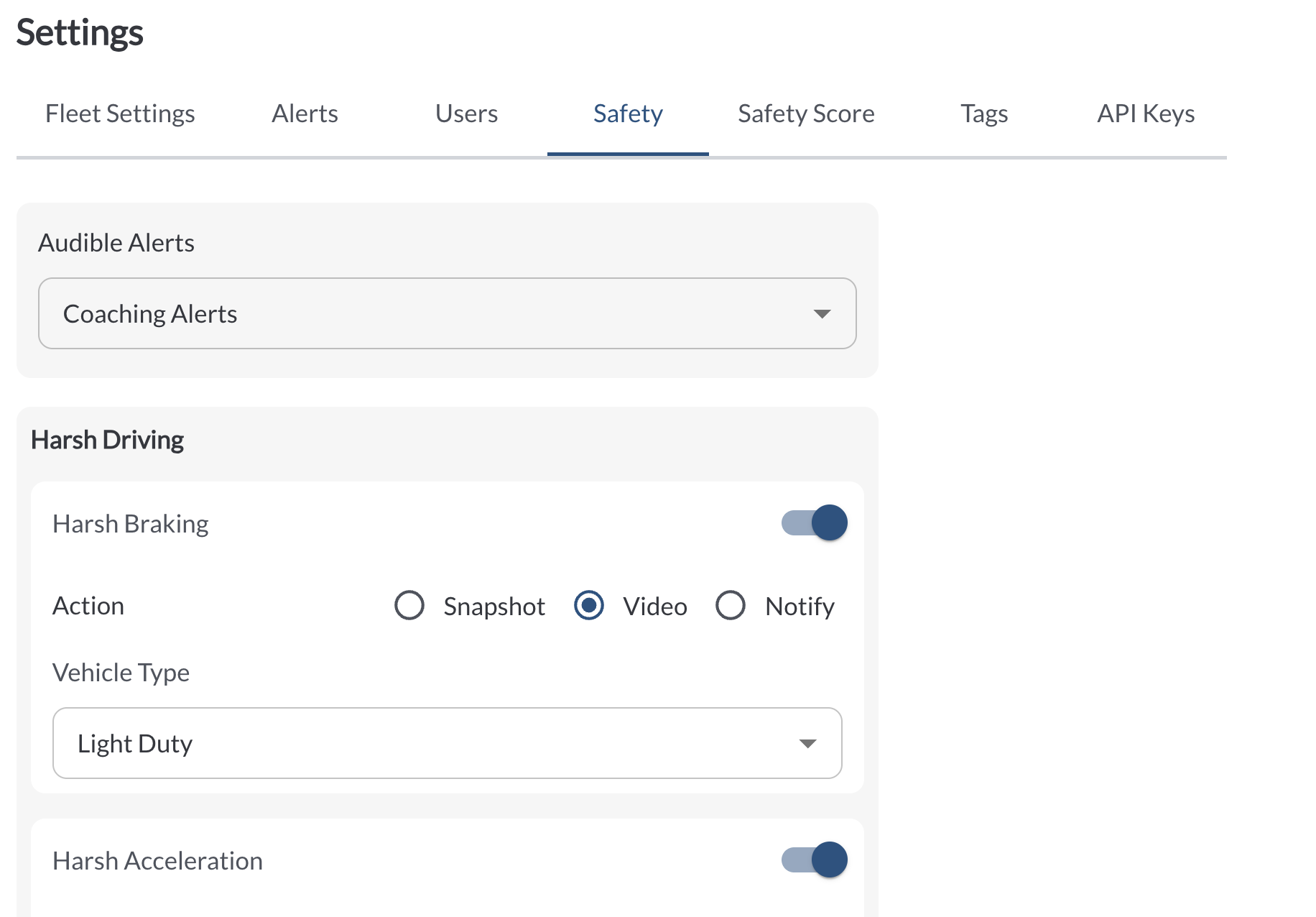
Available Settings
To view the full list of safety event types, along with detailed explanations of each available setting (such as alert types, sensitivity levels, and media actions), refer to the Understanding Safety Events article.