A Pre-Trip DVIR Sign Off allows drivers to confirm the results of the last vehicle inspection before starting a trip. This ensures any previously reported defects have been acknowledged and that the vehicle is safe for operation.
Steps to Complete a Pre-Trip DVIR Sign Off
-
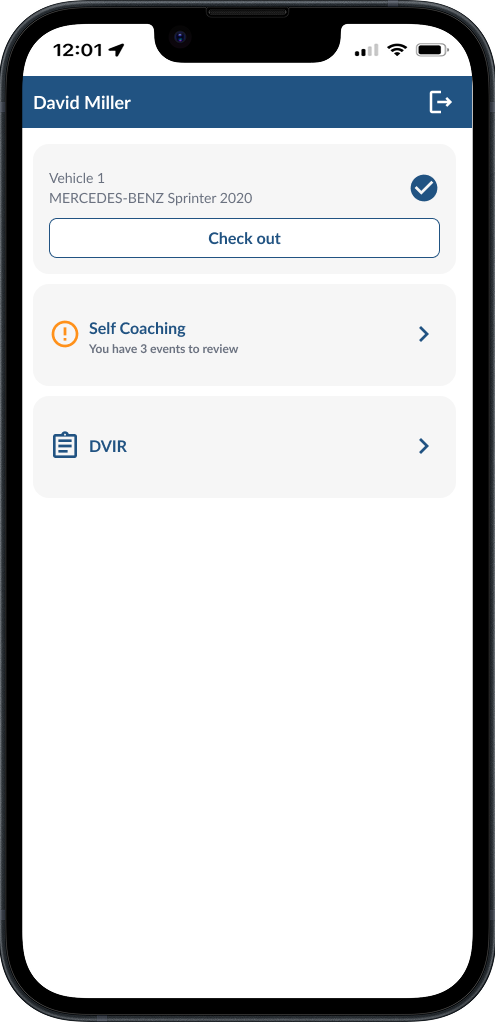
Open DVIR Tab - From the Driver App home page, tap DVIR.
-
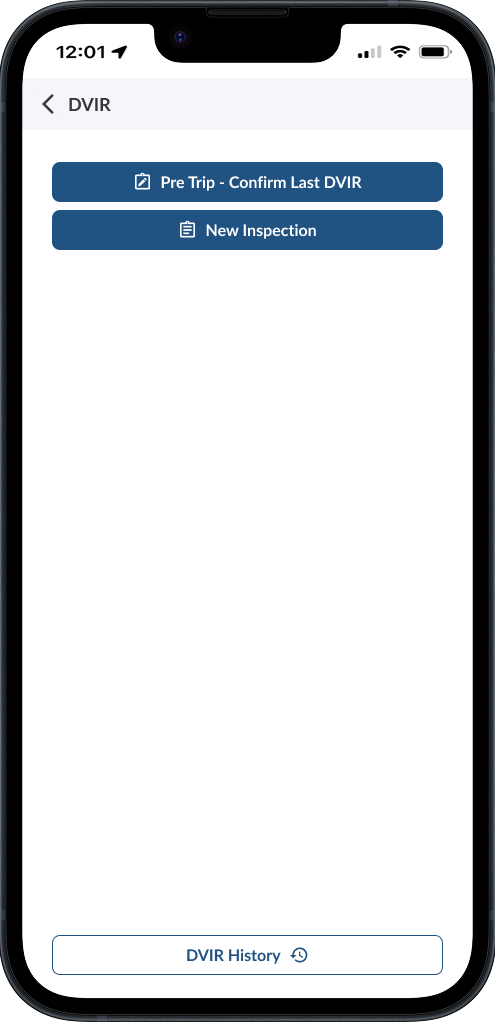
Select Pre Trip – Confirm Last DVIR.
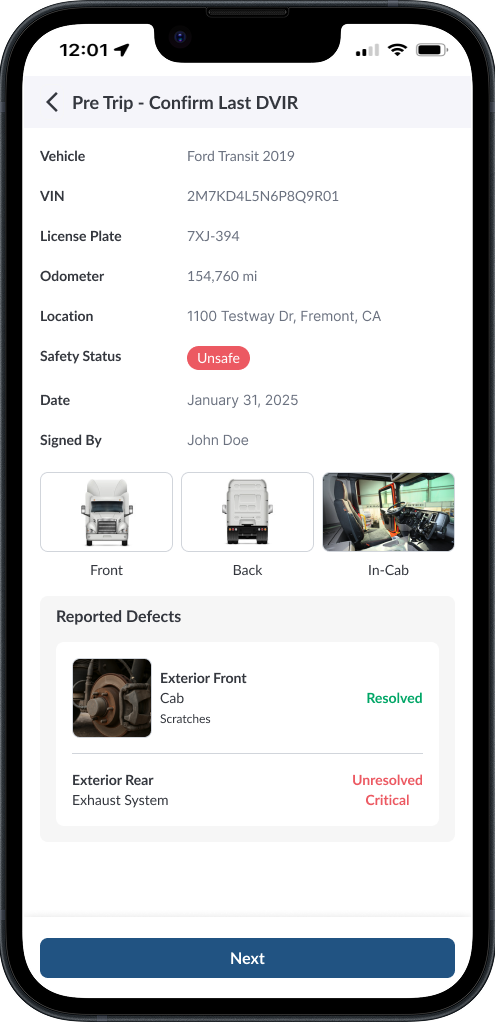
- Review the inspection details shown on screen
-
Check the list of reported defects and their status.
-
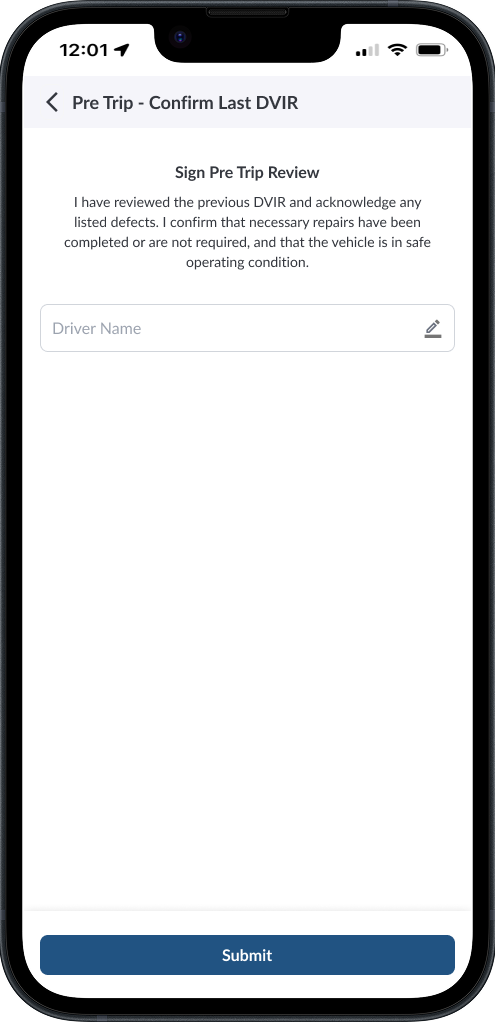
Enter your name to sign and tap Submit.
-
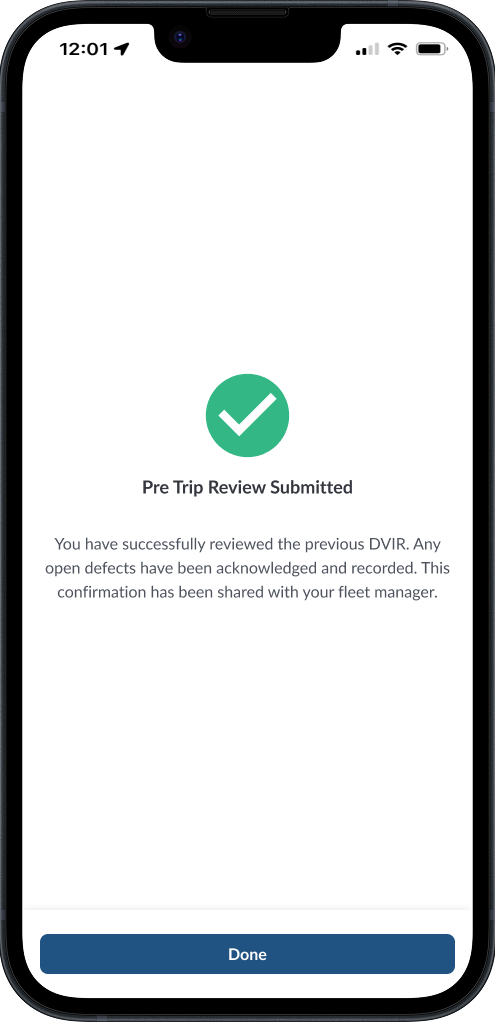
View the confirmation message and tap Done to finish.
Note
Signing is mandatory; the review is only saved and shared after you submit.