The Tax Rates page shows the fuel tax rates and surcharges used to calculate your IFTA filings, broken down by quarter, jurisdiction, and fuel type.
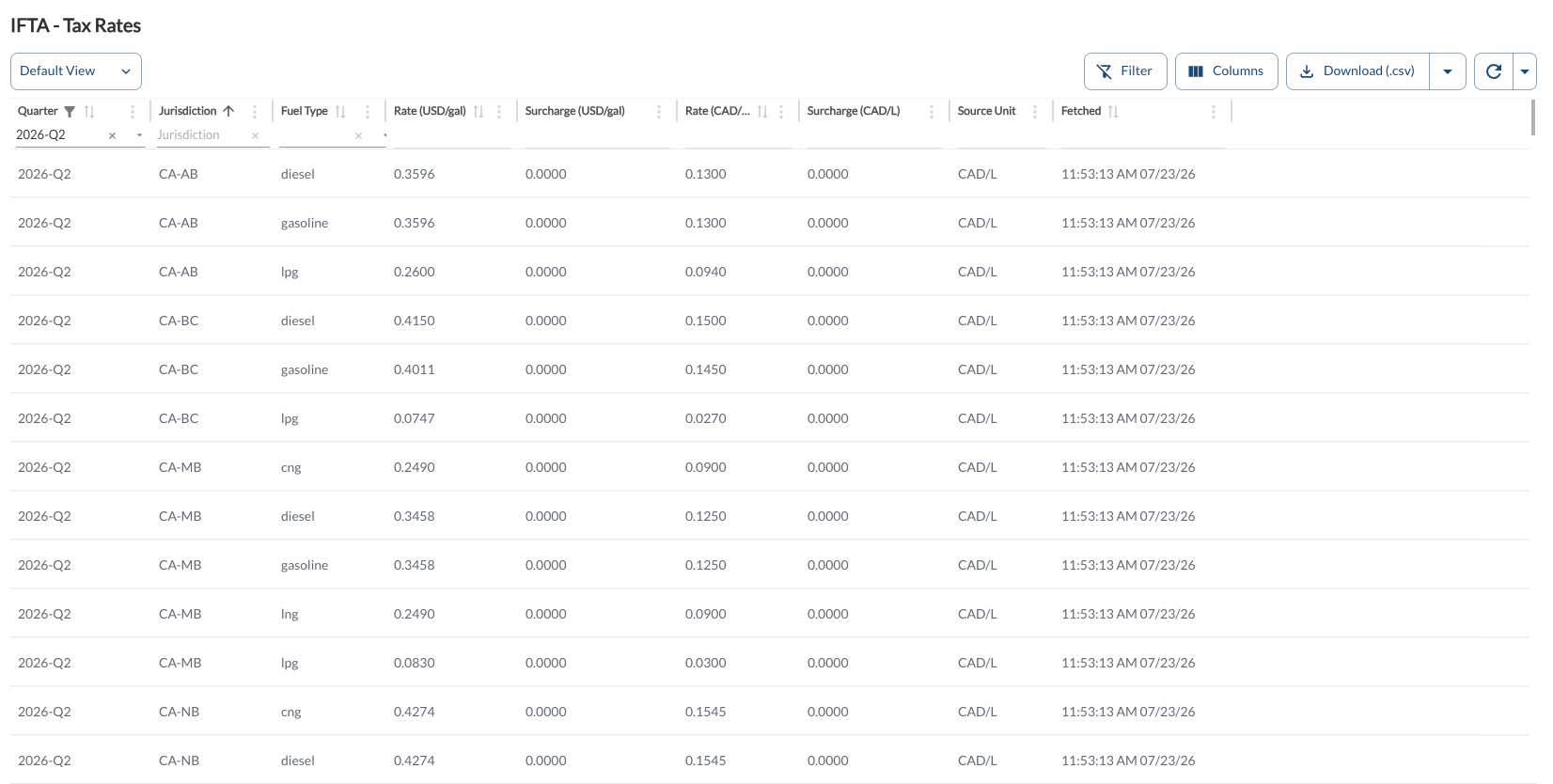
The table displays the fuel tax rates and surcharges used to calculate your IFTA filings. It supports downloading, sorting, filtering, resizing columns, and other customization options. For a complete guide, refer to the article How to Use Tables in the App.
The table includes the following columns, each providing specific tax rate information:
| Quarter |
The reporting quarter the rate applies to. |
| Jurisdiction |
The state or province the rate applies to. |
| Fuel Type |
The type of fuel the rate applies to. |
| Rate (USD/gal) |
The tax rate in US dollars per gallon. |
| Surcharge (USD/gal) |
Any additional surcharge in US dollars per gallon. |
| Rate (CAD/L) |
The tax rate in Canadian dollars per liter. |
| Surcharge (CAD/L) |
Any additional surcharge in Canadian dollars per liter. |
| Source Unit |
The unit of measurement used in the original source data. |
| Fetched |
When this rate was last retrieved. |
Refresher Widget
Keep your data up to date by using the Refresher Widget. This allows you to reload the table data so you're always viewing the latest information. To learn more, read the article How to Set the Refresher Widget.
Custom Report Widget
Save time by using the Custom Report Widget to store report configurations with your selected filters, columns, sorting, and grouping. This allows you to quickly return to commonly used report setups and set a default configuration for easy access. For more information, read the article How to Use the Custom Report Widget.