Reassign Coach moves a single existing task to a different coach. Use it to cover absence, balance workload, or correct a task that was routed to the wrong person.
How to Reassign a Task
- Go to Driver Safety > Due for Coaching, or to the Collisions or FYI Notify queue.
- Find the task. Set Filter by Coach to All Coaches or to the current coach if it is not one of yours.
- Click the three-dot menu at the top right of the card.
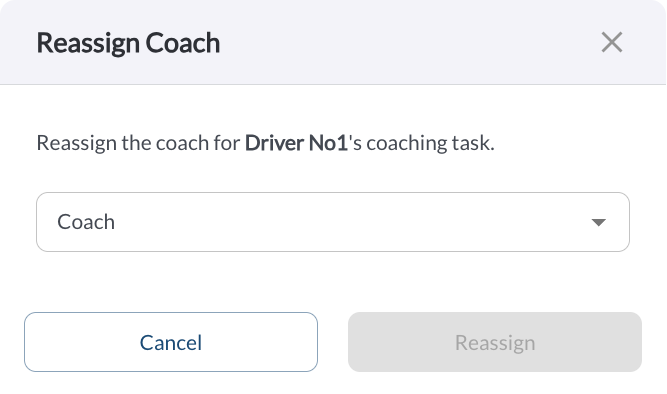
- Click Reassign Coach.
- Select the new coach, or select the option to leave the task unassigned.
- Confirm.
The task moves to the new coach's queue immediately. Its due date does not change.
Note
A task can be left Unassigned, which returns it to the pool for any coach
to pick up. Filter by Unassigned to see the pool.
Reassigning One Task Is Not the Same as Changing Routing
| Reassign Coach |
Affects one existing task. Future tasks for that driver still route according to your coach assignments. |
| Coach Assignment settings |
Affects future tasks for a whole group of drivers, and leaves existing tasks where they are. Read the article Coach Assignment Settings. |
Tip
If you find yourself reassigning the same driver's tasks repeatedly, change the
coach assignment for their group instead.