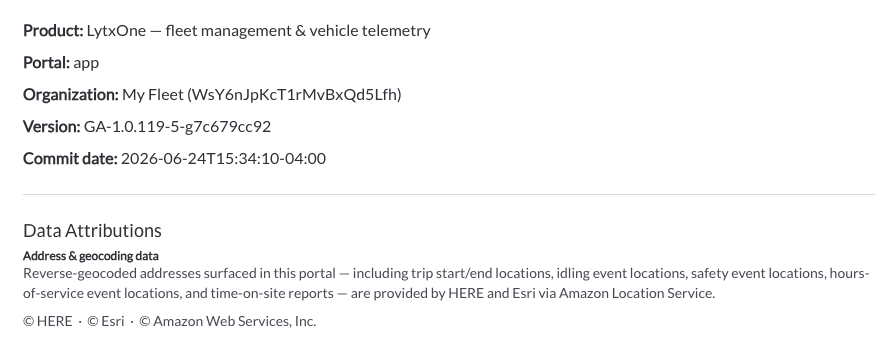
New: Custom Roles and Permissions
Fleet administrators can now create custom roles with granular permissions tailored to their organization's needs. Each custom role can be configured with View, Edit, Manage, and Download permissions across the app areas. Custom roles can be created from scratch or based on an existing built-in role, and assigned to users alongside the existing built-in roles (Admin, Manager, User, and Installer).
Learn more → Roles & Permissions Settings
New: Speeding Report
A new Speeding Report is now available under Reporting & Analytics. The report provides a detailed log of all speeding events across the fleet, including the recorded speed, speed limit, how much the vehicle exceeded the limit, the event type, driver, vehicle, location, and assigned tags. The report supports filtering, sorting, column customization, CSV export, and saved views.
Learn more → Speeding Report

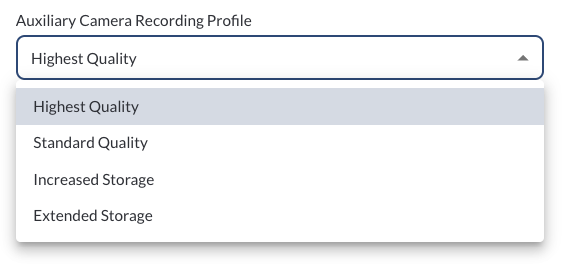
New: Auxiliary Camera Video Quality Configuration
Fleet managers can now configure the video quality for auxiliary cameras at both the fleet level from Fleet Settings and at the vehicle level from Asset Configuration. A single quality setting applies across all connected auxiliary cameras. The selected profile defines the maximum quality — the actual recording quality for each camera will adjust automatically based on what that camera supports. This allows you to set a fleet-wide default and override it per vehicle, balancing video quality and storage usage based on your operational needs.
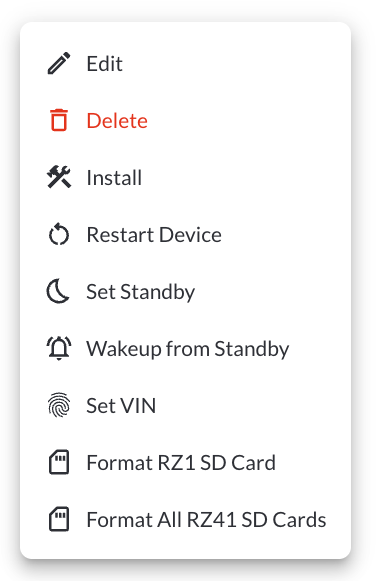
New: RZ41 SD Card Format
The Fleet Portal now supports remote SD card formatting for the RZ41 device. Fleet managers can format the RZ41 SD card directly from the Fleet Portal to clear space or prepare the card for new recordings without physically accessing the device.
Learn more → Managing Your Fleets Assets
Improvement: Up to 8 Auxiliary Cameras Supported
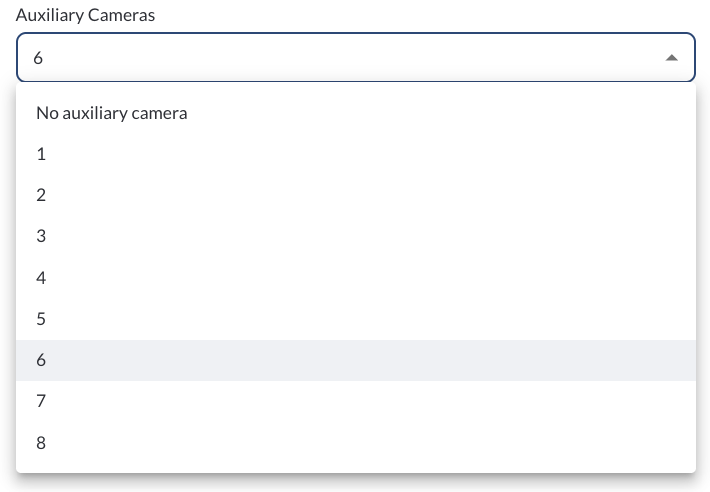
The Fleet Portal now supports up to 8 auxiliary cameras per vehicle, up from the previous limit of 4. Additional cameras can be configured in Asset Configuration under the Settings tab.
Learn more → Understanding Assets Configuration
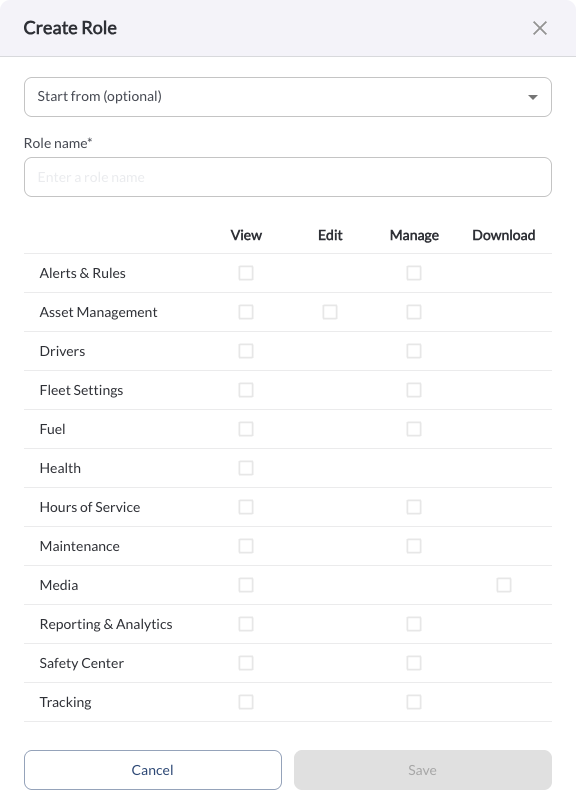
Improvement: Fleet ID Now Visible Under Settings
The Fleet ID is now displayed under Settings > About, making it easy to locate your account identifier for API usage and when contacting support.
Learn more → About