Your fleet dashboard gives you a real-time overview of your fleet's performance and status, with a detailed walkthrough of each widget.

Widgets Overview
Drivers
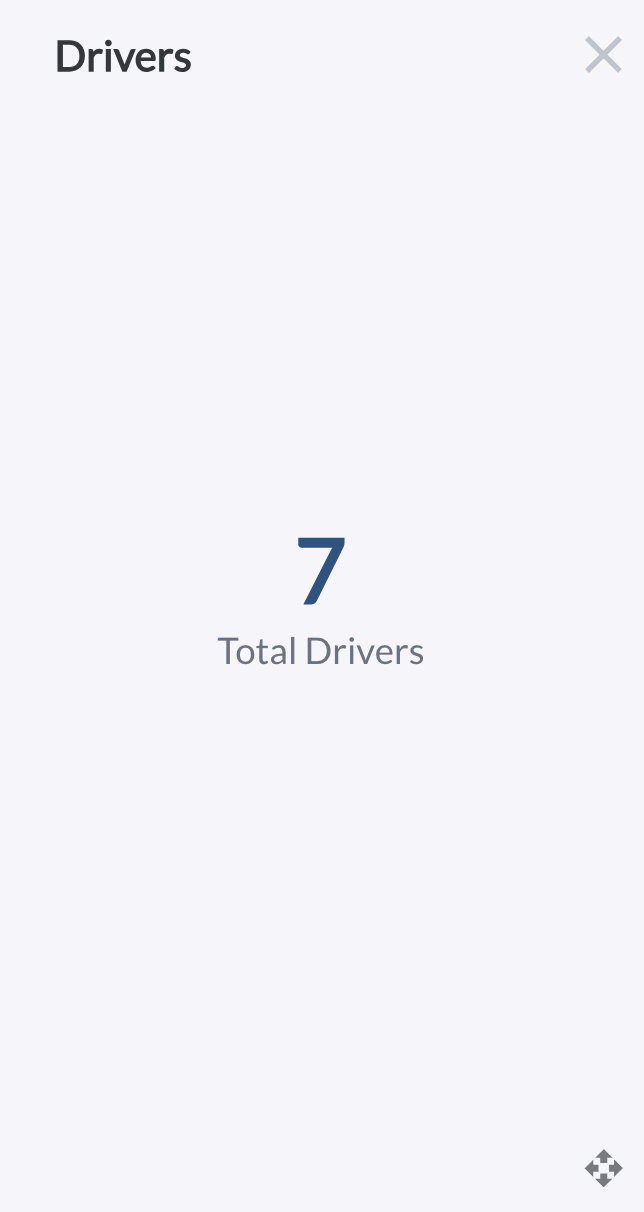
Provides a quick snapshot of the total number of drivers currently registered in the system.
Device Status
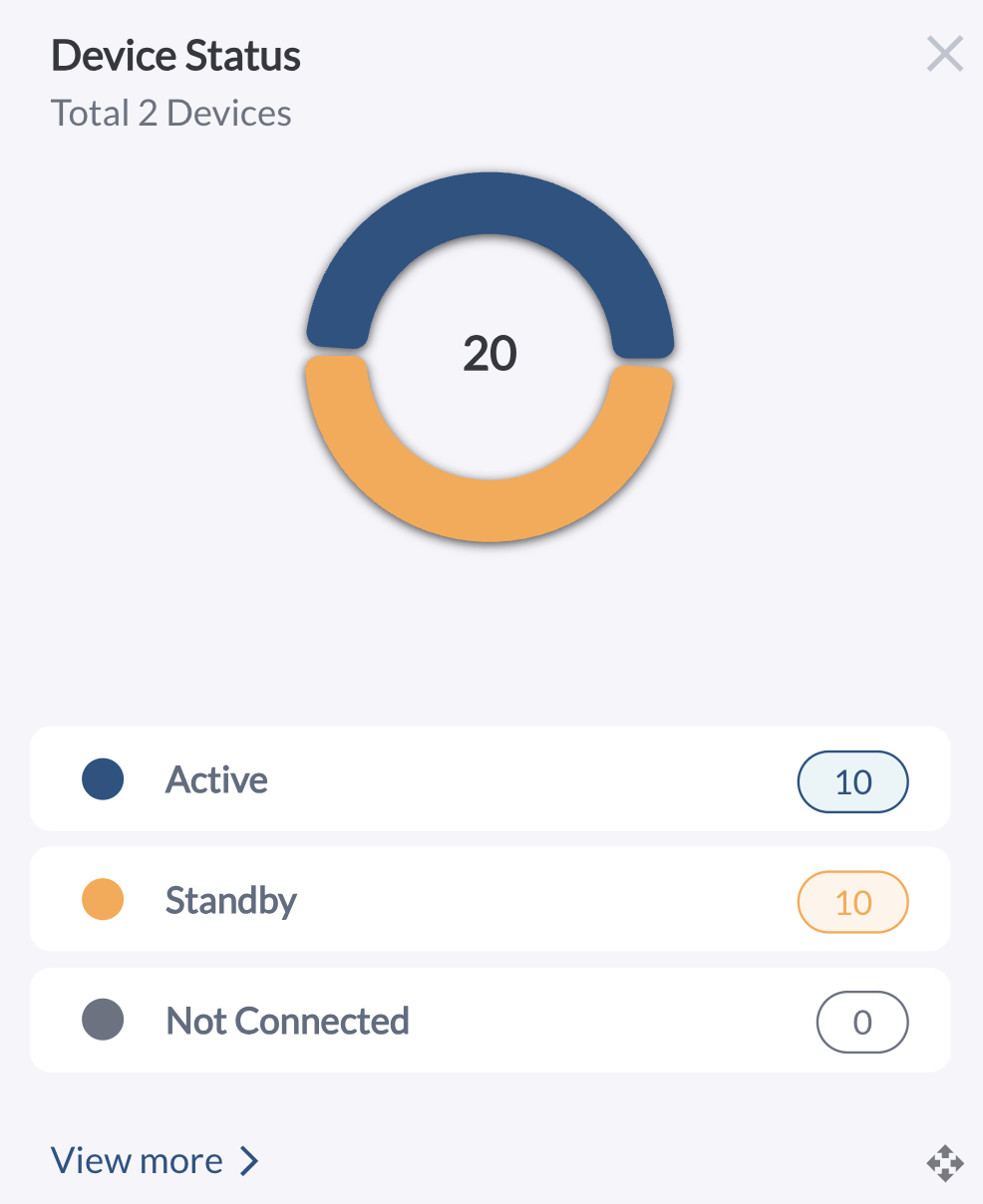
Displays the operational status of fleet devices in a pie chart, segmented into Active, Standby, and Not Connected categories. Use the View More button to navigate to the Vehicles page for detailed insights. Learn more in Understanding Device Connectivity Status.
Device Health
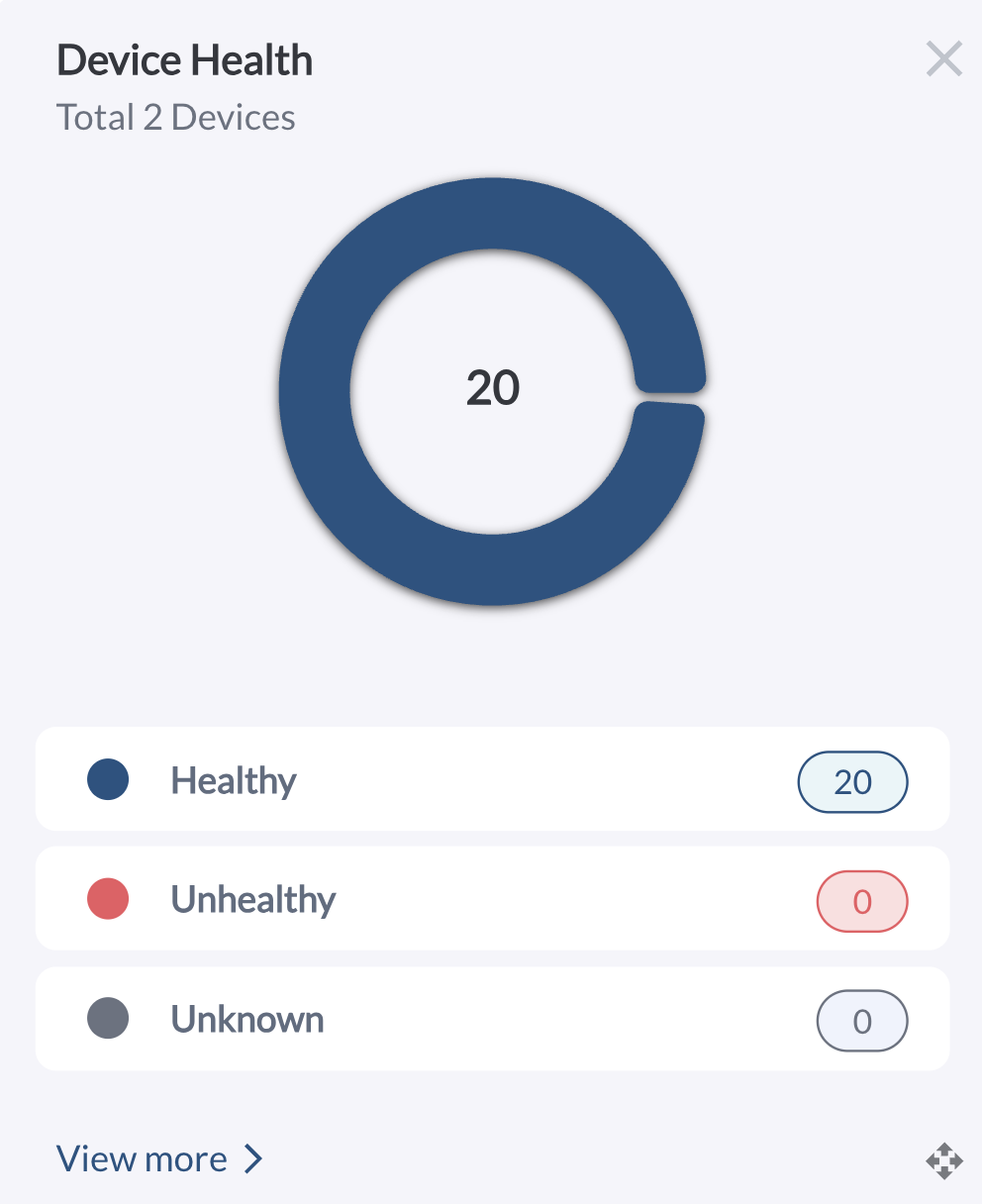
Displays the health status of devices in a pie chart, segmented into Healthy, Unhealthy, and Unknown categories. Use the View More button to navigate to the Health page for detailed insights. Learn more in Fleet Health Overview.
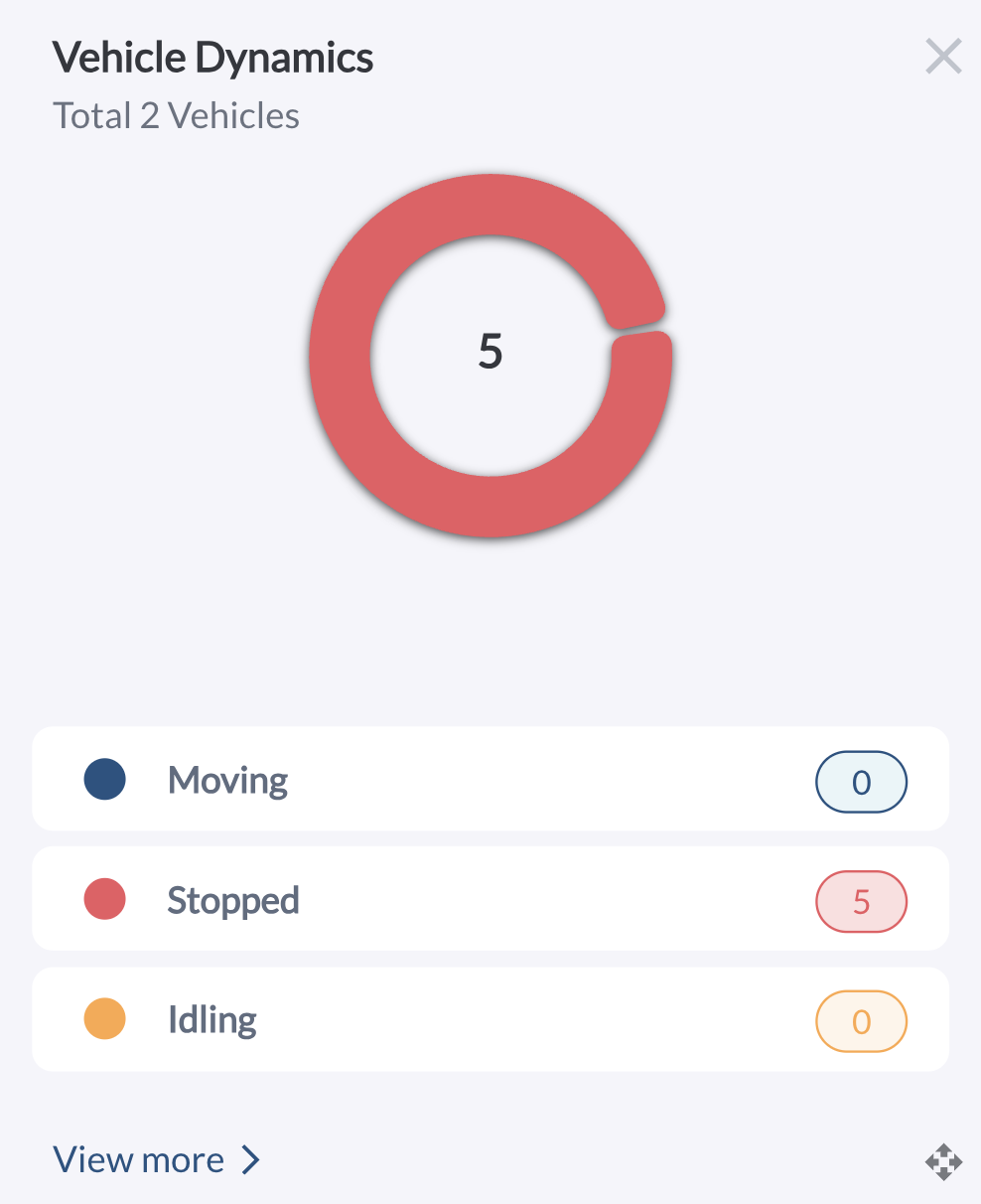
Vehicle Dynamics
Displays vehicle activity in a pie chart, segmented into Moving, Stopped, and Idling categories. Use the View More button to navigate to the Map page for real-time tracking. Learn more in Map View Overview.
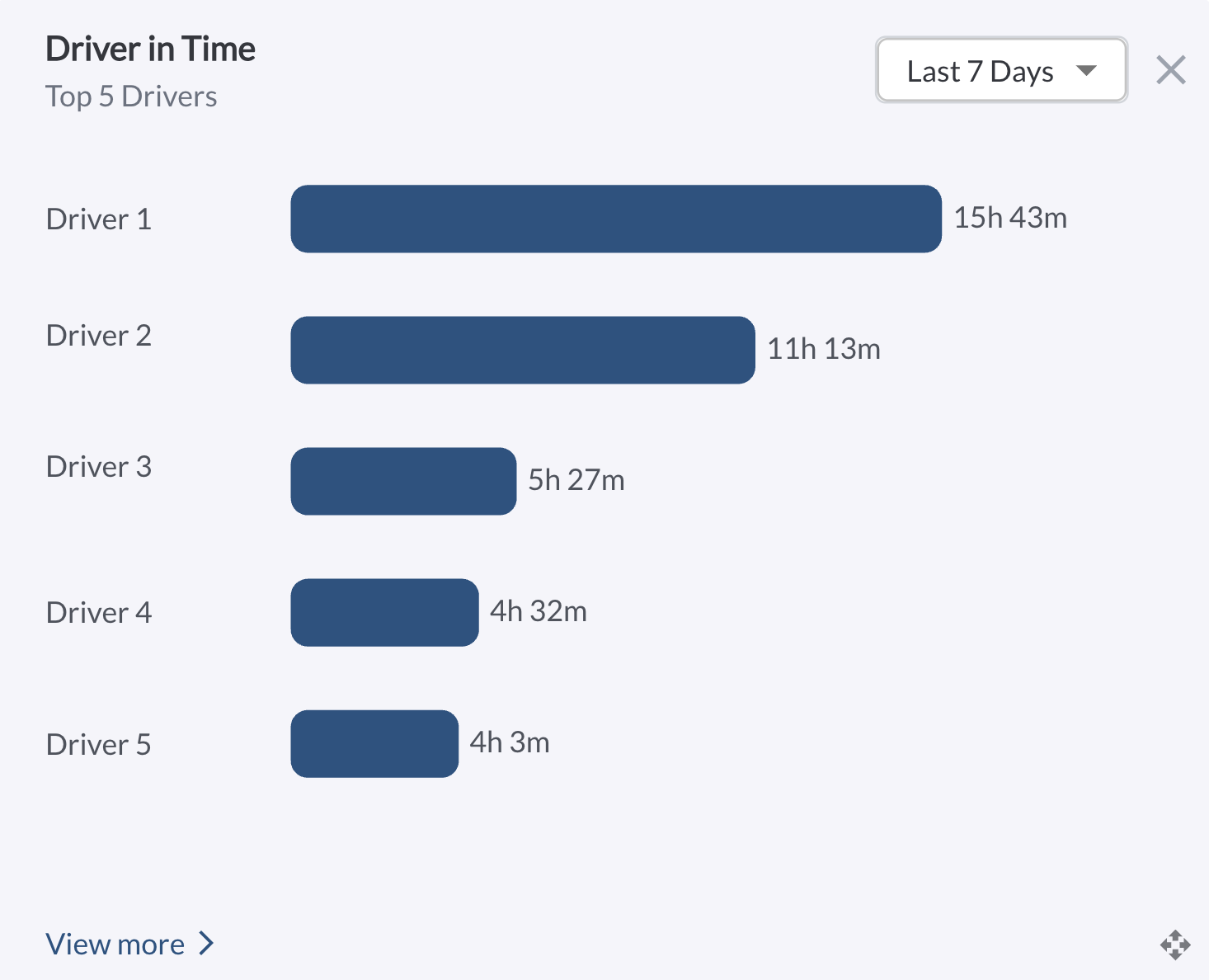
Driver in Time
Displays the top five drivers by total driving time in a bar chart, with each bar representing a driver’s name and accumulated hours. The default view shows the last 7 days, with options to switch to the past 1 or 2 months. Use the View More button to navigate to the Driver Performance page for detailed insights. Learn more in Driver Performance Overview.
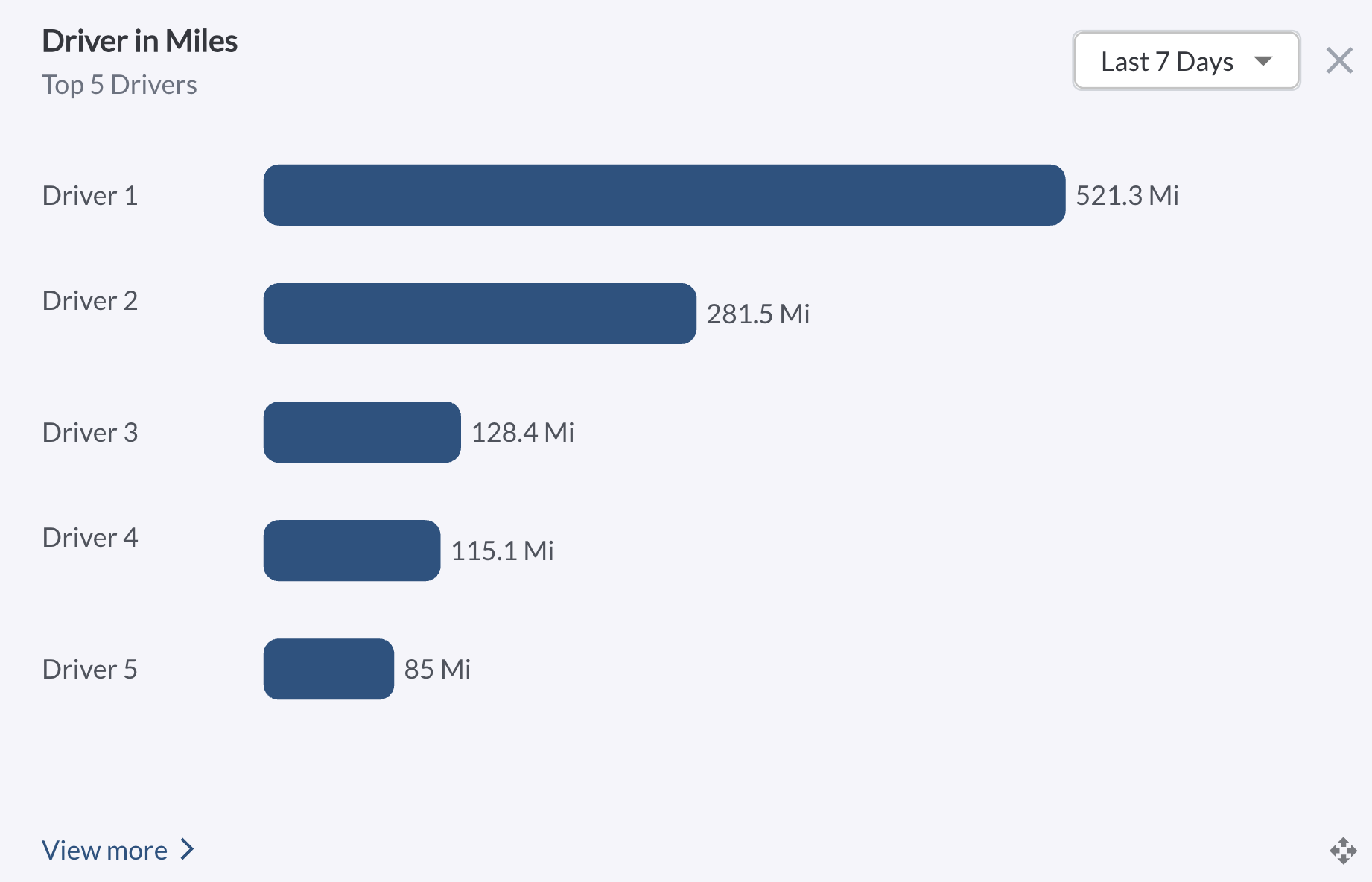
Driver in Miles
Displays the top five drivers by total distance driven in a bar chart, with each bar representing a driver’s name and total miles. The default view shows the last 7 days, with options to switch to the past 1 or 2 months. Use the View More button to navigate to the Driver Performance page for detailed insights. Learn more in Driver Performance Overview.
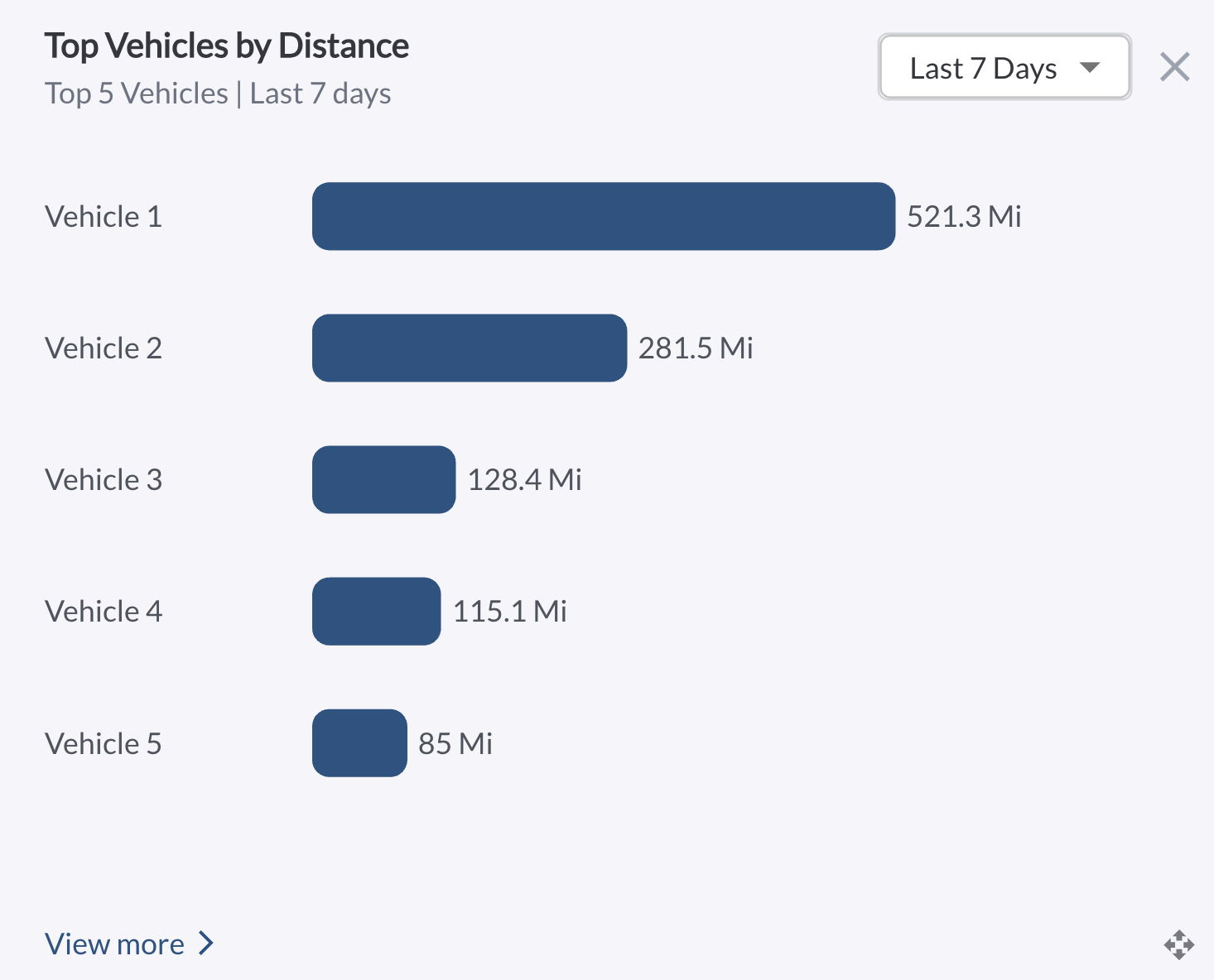
Top Vehicles by Distance
Displays the top five vehicles by total distance traveled in a bar chart, with each bar representing a vehicle and its mileage over the past 7 days. Use the View More button to navigate to the Vehicle Activity Report for detailed performance insights. Learn more in Vehicle Activity Report.
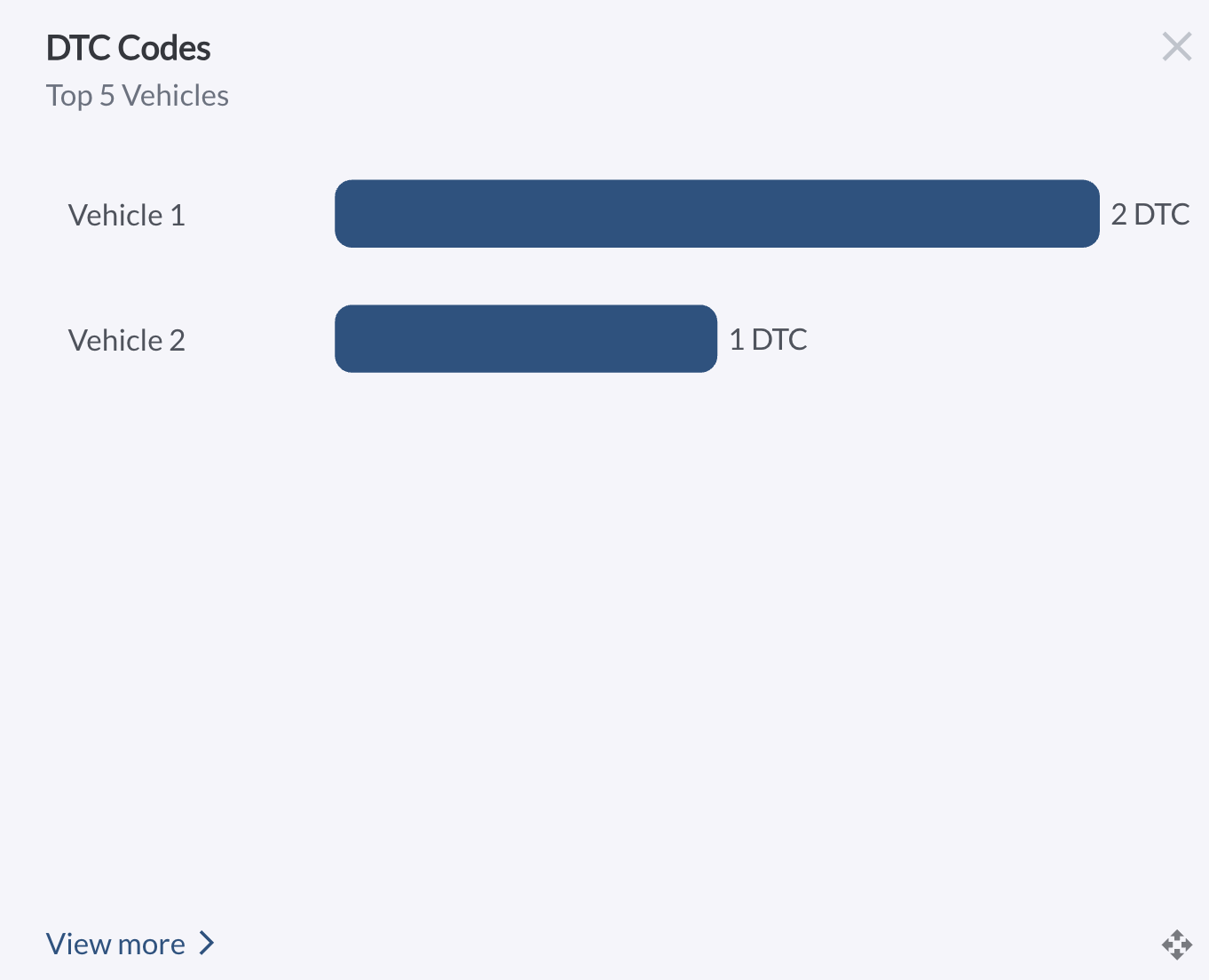
DTC Codes
Displays the top five vehicles with the highest number of Diagnostic Trouble Codes (DTCs) recorded in the past 7 days, with each bar showing the vehicle name and count of open DTCs. Use the View More button to navigate to the Fault Codes page for a detailed breakdown. Learn more in Understanding Fault Codes (DTC).
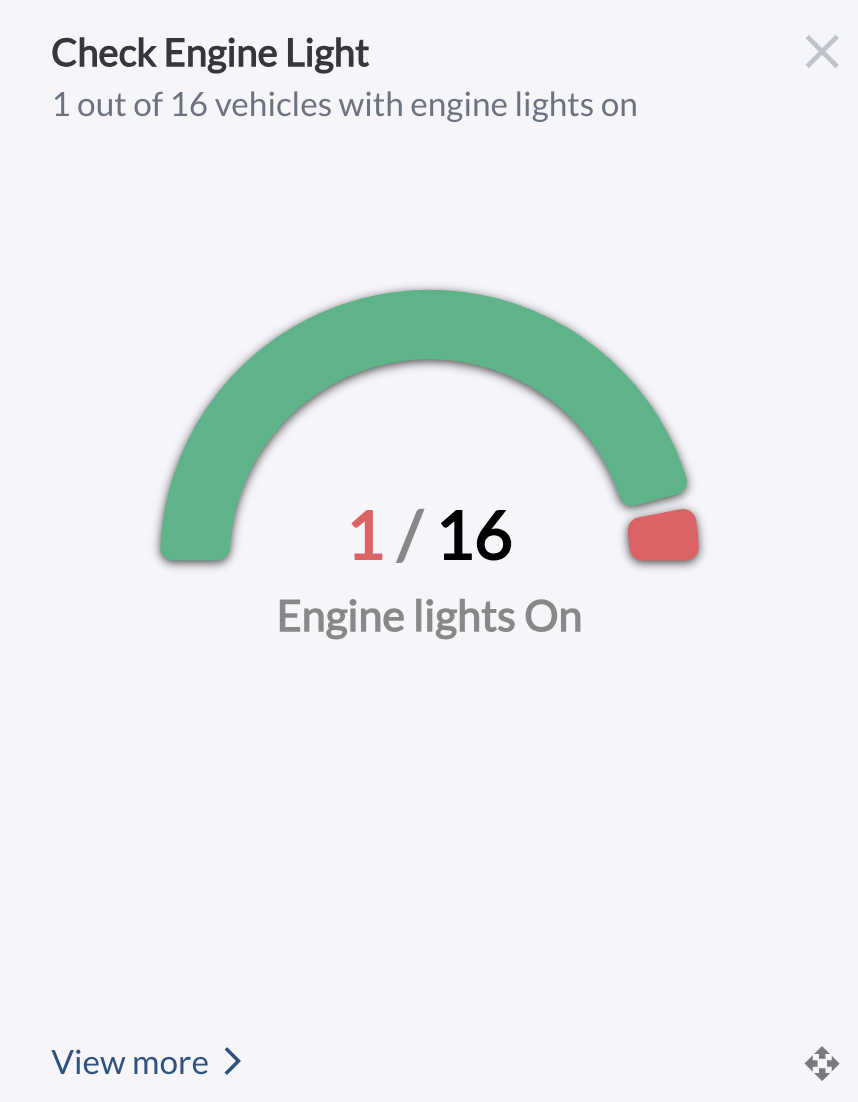
Check Engine Lights
Displays the proportion of vehicles with active check engine lights in a half-doughnut chart, comparing affected vehicles to the total fleet. Use the View More button to navigate to the Fault Codes page for a detailed breakdown. Learn more in Understanding Fault Codes (DTC).
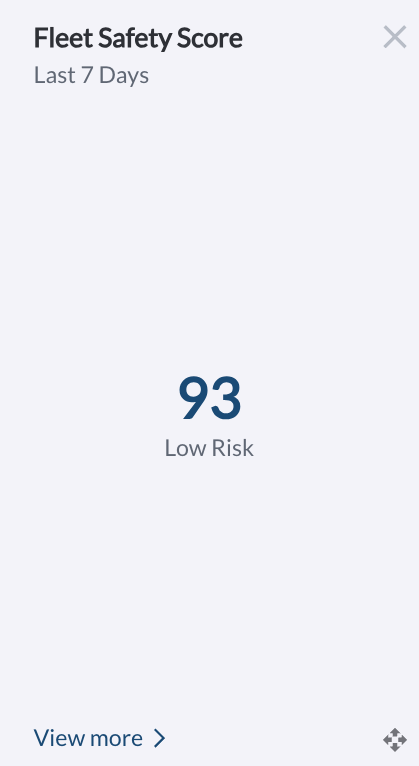
Fleet Safety Score
Displays the fleet’s average safety score from the past 7 days. Use the View More button to navigate to the Safety Dashboard for full fleet safety insights. Learn more in Safety Dashboard Overview.
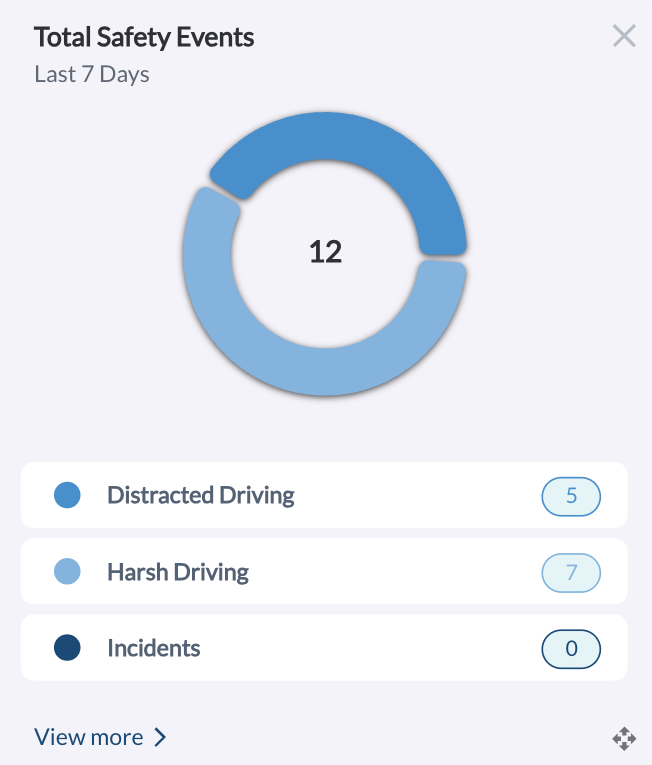
Safety Events by Category
Displays the total number of safety events from the past 7 days segmented by category in a pie chart. Use the View More button to navigate to the Safety Dashboard for a detailed breakdown. Learn more in Safety Dashboard Overview.
Pending & Overdue Maintenance Services
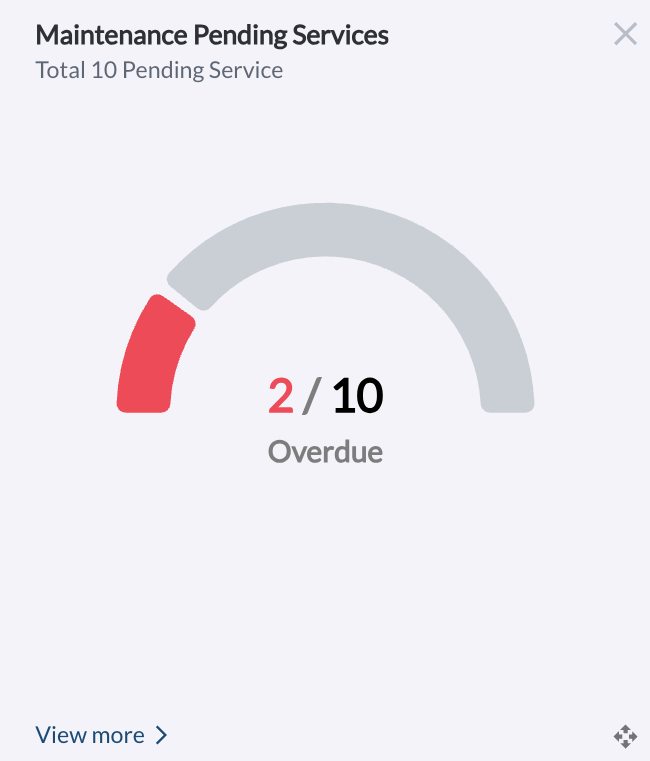
Displays the total number of upcoming maintenance services with a highlight on how many are overdue. Use the View More button to navigate to the Upcoming tab on the Maintenance page. Learn more in Understanding the Maintenance Page.
Upcoming Maintenance Services
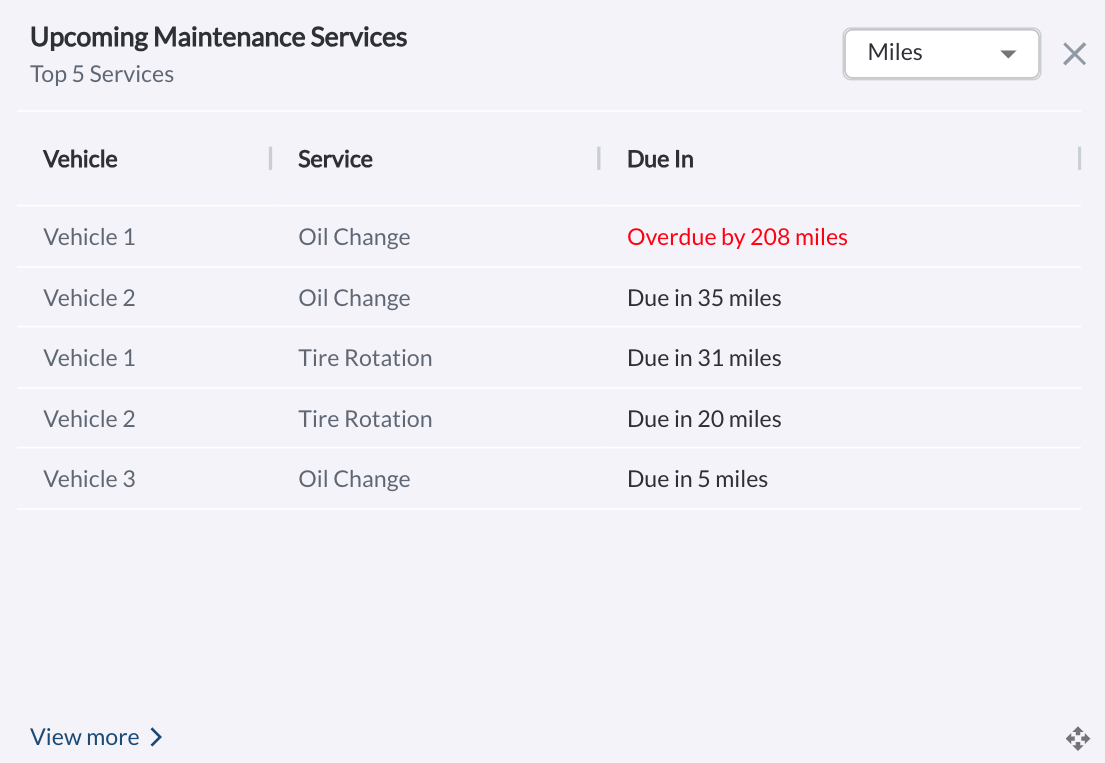
Displays a list of the top five upcoming maintenance services, sorted by Due in Miles by default. Users can switch the view to Due in Days or Engine Hours. Use the View More button to navigate to the Upcoming tab on the Maintenance page. Learn more in Understanding the Maintenance Page.
Additional Dashboard Actions
Dashboard Customization
The Fleet Dashboard offers a high degree of customization, so you can tailor its layout to suit your operational needs. You can determine which widgets are displayed, adjust their size, and rearrange their placement for optimal usability.
For more information, refer to the article How to Customize Your Fleet Dashboard.
Refresher Widget
Keep your data up to date by using the Refresher Widget. This allows you to reload the table data so you're always viewing the latest information. To learn more, read the article How to Set the Refresher Widget.