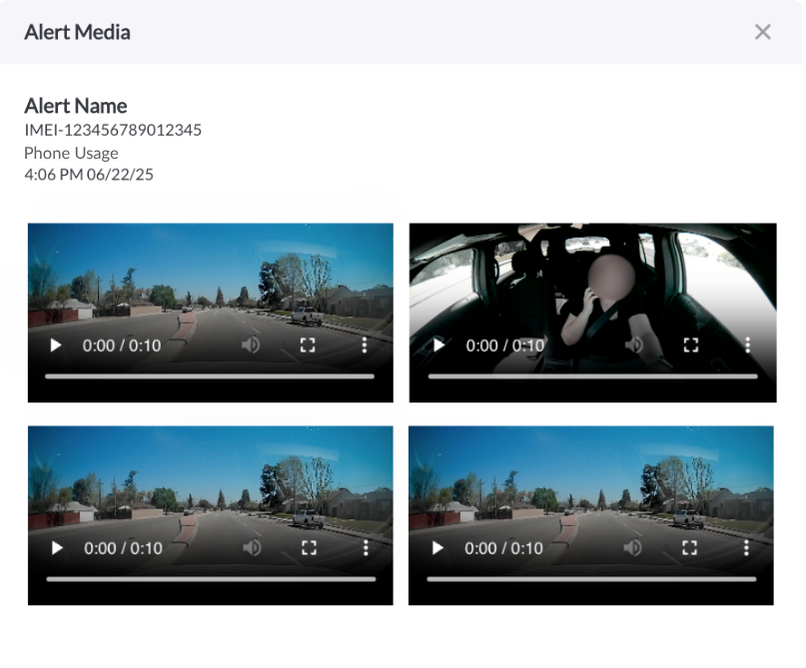
New: View Alert Media from Email and Alerts Table
You can now easily view associated media for any alert directly from the link in the alert email or by clicking the View Media button in the Triggered tab on the Alerts page. This allows you to quickly access and review all attached images or video for supported alert types, including geofence entry/exit, movement, idling, health events, and more.
Learn more → Understanding the Alerts Page.