New: Geofence Shape Editing & Tags
Users can now edit the shape of an existing geofence, without needing to delete and recreate it. Geofences also support tags, making it easier to organize and filter your geofence list, use the new Tags filter on the Geofences page to quickly find what you need.
Learn more → Geofences Overview
New: Fuel Hub - IFTA Dashboard, Tax Rates & Settings
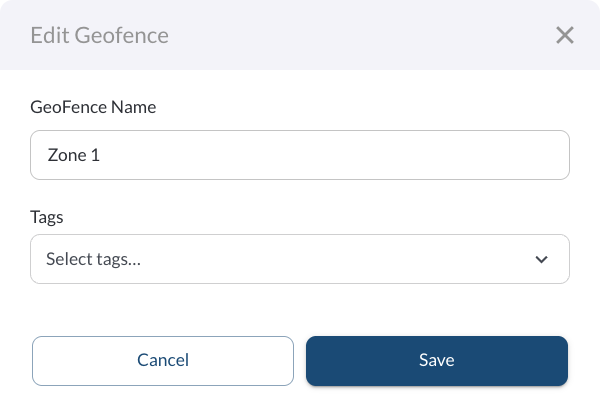
You can now track your quarterly IFTA filing status from a single Dashboard, showing total distance by jurisdiction, filing deadlines, and any issues to resolve before filing. A new Tax Rates page also shows current fuel tax rates and surcharges by jurisdiction and fuel type. Quarterly mileage and per-vehicle records are now available under Quarterly Return and Distance Records. A new Fuel Settings page lets you set your preferred unit system and currency (United States or Canada) for fuel-related reporting across Fuel Hub.
Learn more → Fuel Hub
New: Snapshot Review
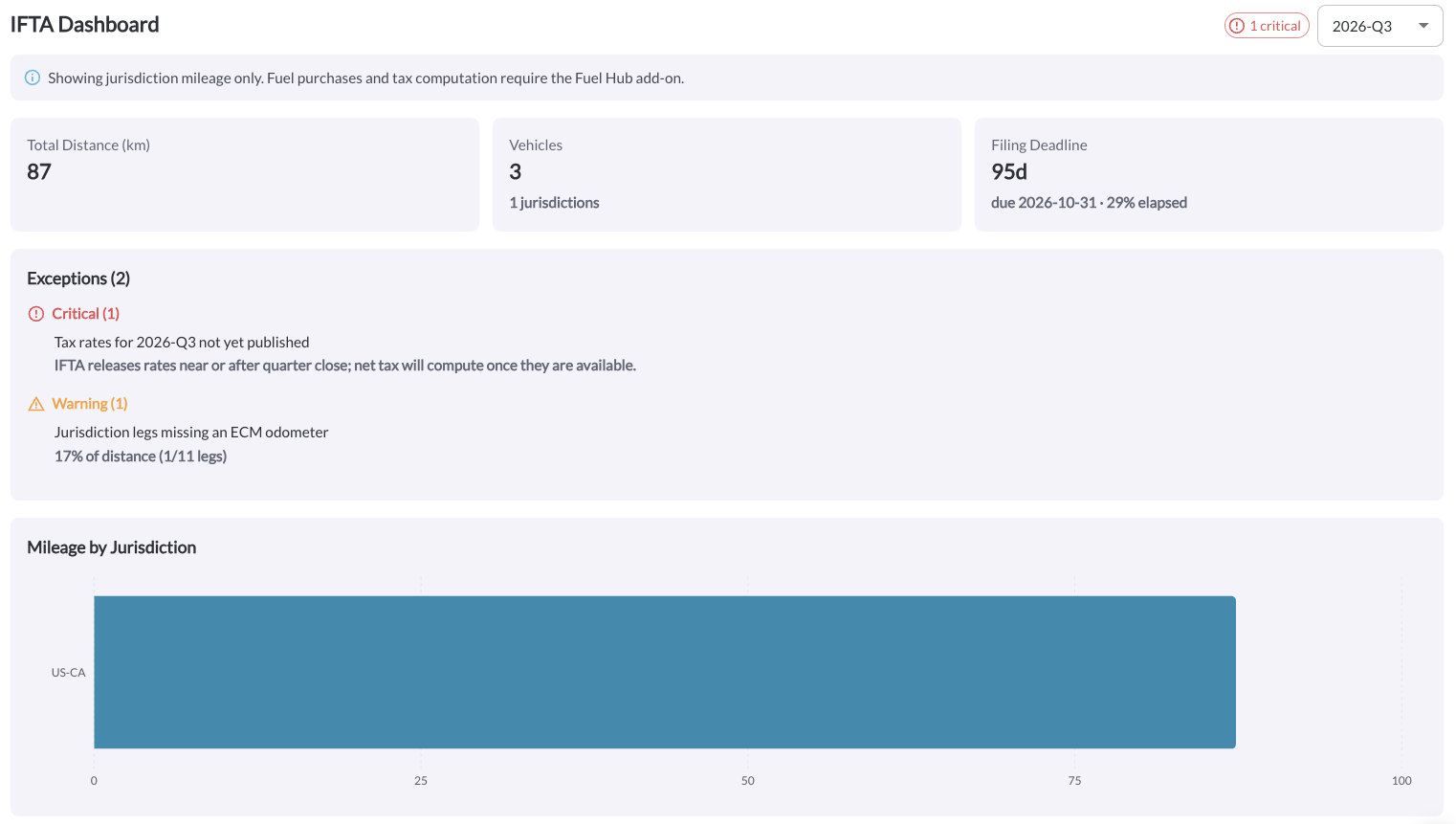
If Record In-Cabin Video or Record Front-Facing Video is enabled for the vehicle, you can view live snapshots from its devices alongside their current location on the map, with a timeline to review earlier snapshots throughout the day. Snapshot Review also supports downloading video clips, the same way as the Recordings page.
Learn more → Snapshot Review Overview
New: Map Style Preference
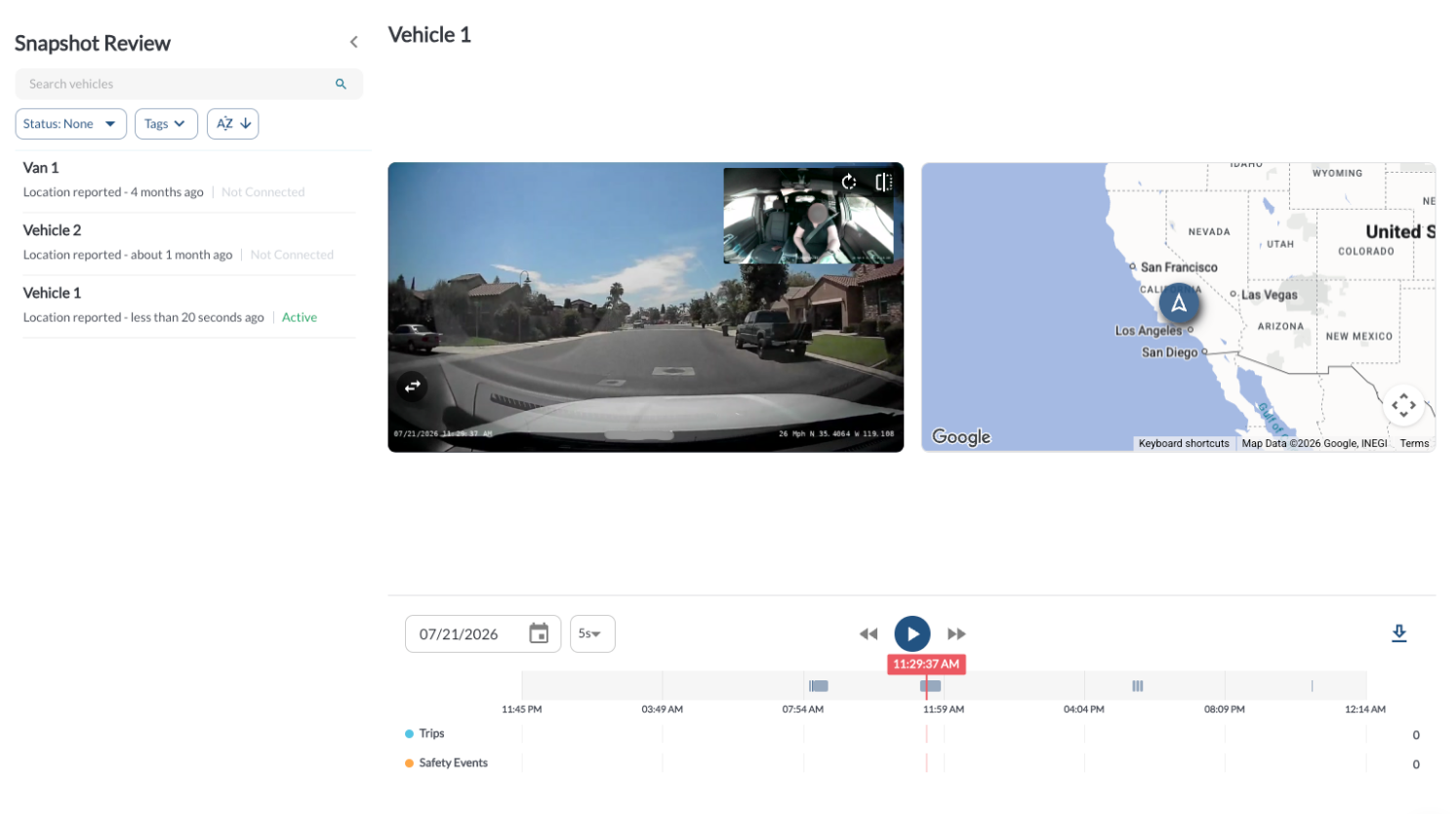
You can now choose how your maps are displayed from the Preferences panel - Standard (default) or POI (points of interest), which shows points of interest on the map. This applies to all maps in the app, including the Fleet Map (global), single-vehicle map, Trips, and Geofences.
Learn more → Main Menu Overview
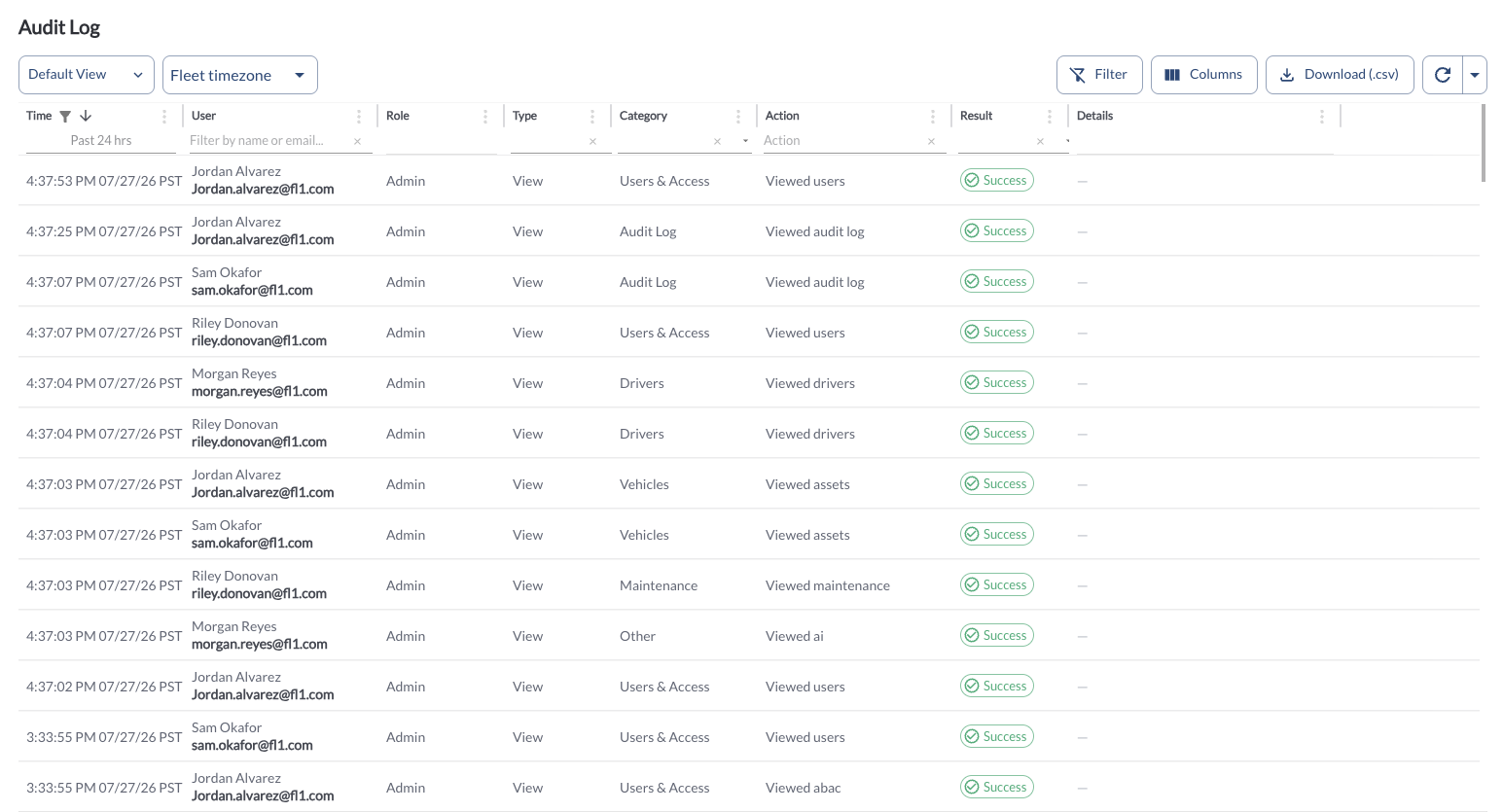
New: Audit Log
You can now view a detailed log of user activity in Fleet Portal, including who performed an action, what was changed, and when, from the new Audit Log page under Settings.
Learn more → Audit Log Overview
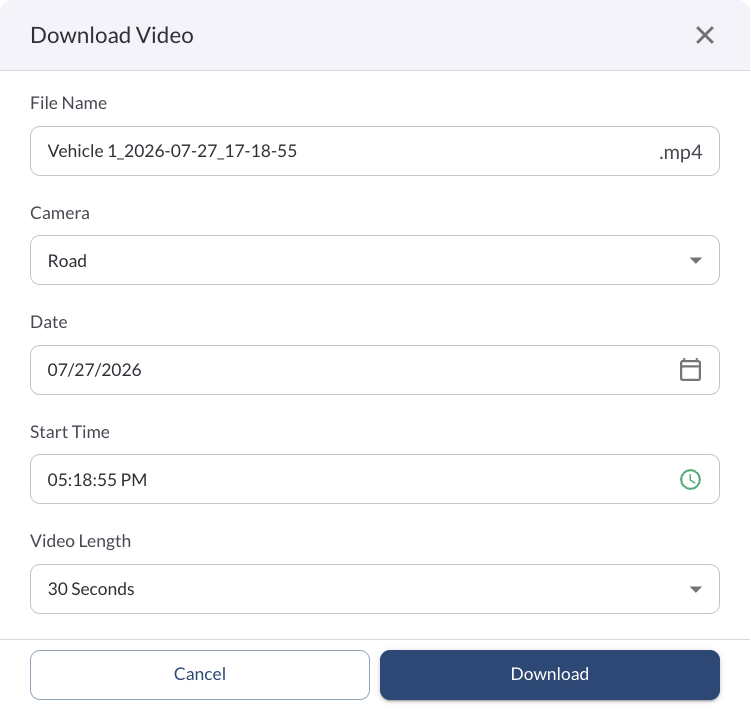
Enhancement: Custom File Names for Downloaded Videos
When downloading a video from the Recordings page or Snapshot Review, you can now edit the file name before saving it to your device.
Learn more → How to Download Recordings
Enhancement: Vehicle Name in the Vehicle Geofence Report
The Vehicle Geofence Report now includes a Vehicle Name column, and supports filtering, sorting, and export on all fields.
Learn more → Vehicle Geofence Report
Enhancement: Geofence Column in the Time on Site and Trip Reports
The Time on Site Report and Trip Report now include a Geofence column, showing which geofence a location corresponds to.
Learn more → Time on Site Report | Trips Overview
Enhancement: Click-to-View Address on the Map
Clicking anywhere on the map now shows the address at that location. If POI (points of interest) is enabled, clicking a point of interest shows the business name.
Learn more → Map View Overview
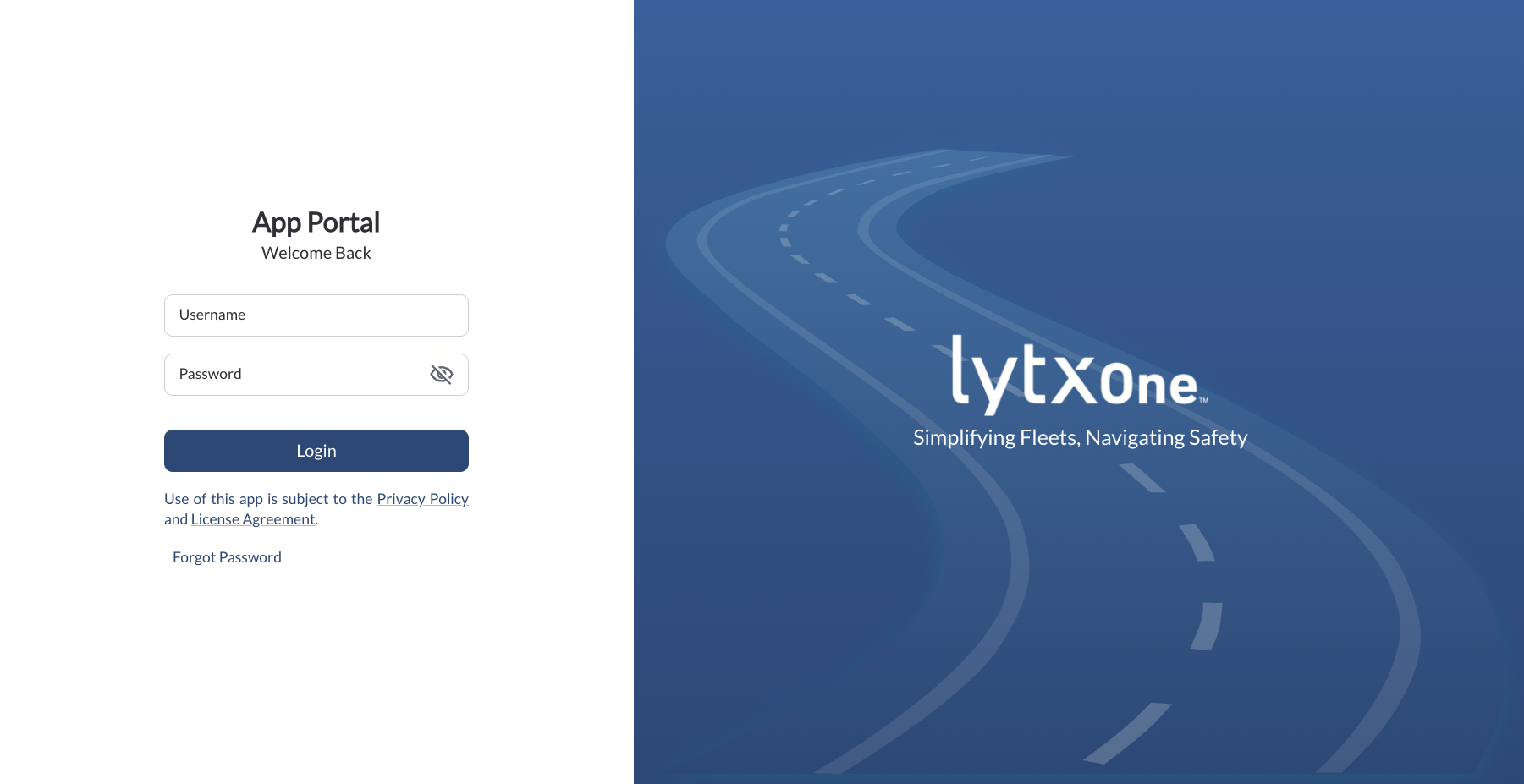
Enhancement: Streamlined Login Screen
The login screen no longer requires an active checkbox to agree to the Privacy Policy and License Agreement. Continued use of the app is subject to these terms, as noted on the login screen.
Learn more → How to Sign In
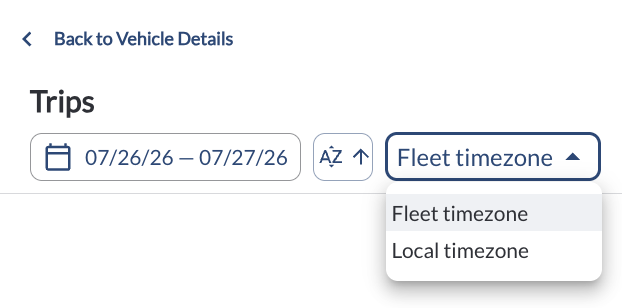
Enhancement: Timezone Selector on the Vehicle Trips Map
The Vehicle Trips map now includes a Fleet/Local timezone selector, so you can view trip timestamps in your preferred timezone.
Learn more → Trips Overview
Bug Fixes
Area / Page |
Description |
Fuel Hub - Quarterly Return / Distance Records |
Fixed the quarter picker showing the wrong quarter. |
| Alerts & Rules |
Fixed Harsh Cornering missing from the list of available alert types. |
| Trips - CSV Export |
Fixed Start/End Odometer columns missing from the Trips CSV download. |
| Trips - Multi-Trip Map |
Fixed the multi-trip map banner reporting wildly inflated idling time. |
| Time on Site |
Fixed the date filter not applying correctly. |